
Ready-made workflows in Kotia for articles, posts and research
Pick a ready-made workflow for Telegram and Threads posts, articles, research, fan fiction or product pages. See how to set it up and run it.
On this page5
A ready-made workflow is a pre-configured sequence of steps for a specific result: an article, a post, research or other material. It helps you start with a working workflow and adapt it to your sources, audience and requirements. After you add it, you work with your own copy: you can change tasks, cards and connections.
Choose a workflow based on what you want to get regularly. If you need a post based on your own source data, don't start with a news search. If you need a standalone plan for a text, the "Article outline" is enough.
Posts for Telegram and Threads
| Your task | Suitable workflow |
|---|---|
| Automate writing posts on your own topics and tasks | Telegram post on request |
| Prepare posts from web pages you have selected | Telegram post by link |
| Find news on a topic and adapt it for your channel | Telegram news |
| Prepare in-depth articles for your channel | Longreads for Telegram |
| Cover a topic in a series of short posts | Post series for Threads |
| Find topics for new posts | Topic search for Threads |
Preparing a post and publishing it are separate actions. Check where the result of the selected workflow is sent. If "Document" is at the end, the text is saved in Kotia. Publishing to an external channel needs to be set up separately.
News to your WordPress site
| Your task | Suitable workflow |
|---|---|
| Get news drafts from a single query and your site's subject | News to your WordPress site — from a single query |
| Select news by priorities and write for your audience | News to your WordPress site — with fine-tuning |
| Start from a ready sample and ask Kotia to adapt it to your topic | News to your WordPress site — a template for your topic |
All three send the news as drafts: you publish them yourself in WordPress.
Articles, research and other materials
| Result you need | What to choose |
|---|---|
| A complete article on request | Article |
| A report that compares information and includes links | Research |
| An outline that you or another author will use to write the text | Article outline |
| A set of sources for further work | Source collection |
| A piece of fiction based on your idea | Fan fiction |
| Material for a product page | Product page |
"Article" already includes a planning stage. A separate "Article outline" is needed if the outline is required as a result in its own right, rather than as a mandatory preliminary order.
Example: set up posts for your own Telegram channel
Suppose you run the channel of a workshop and regularly post about its classes. Take the Telegram post on request workflow and set it up for the real conditions of your events.
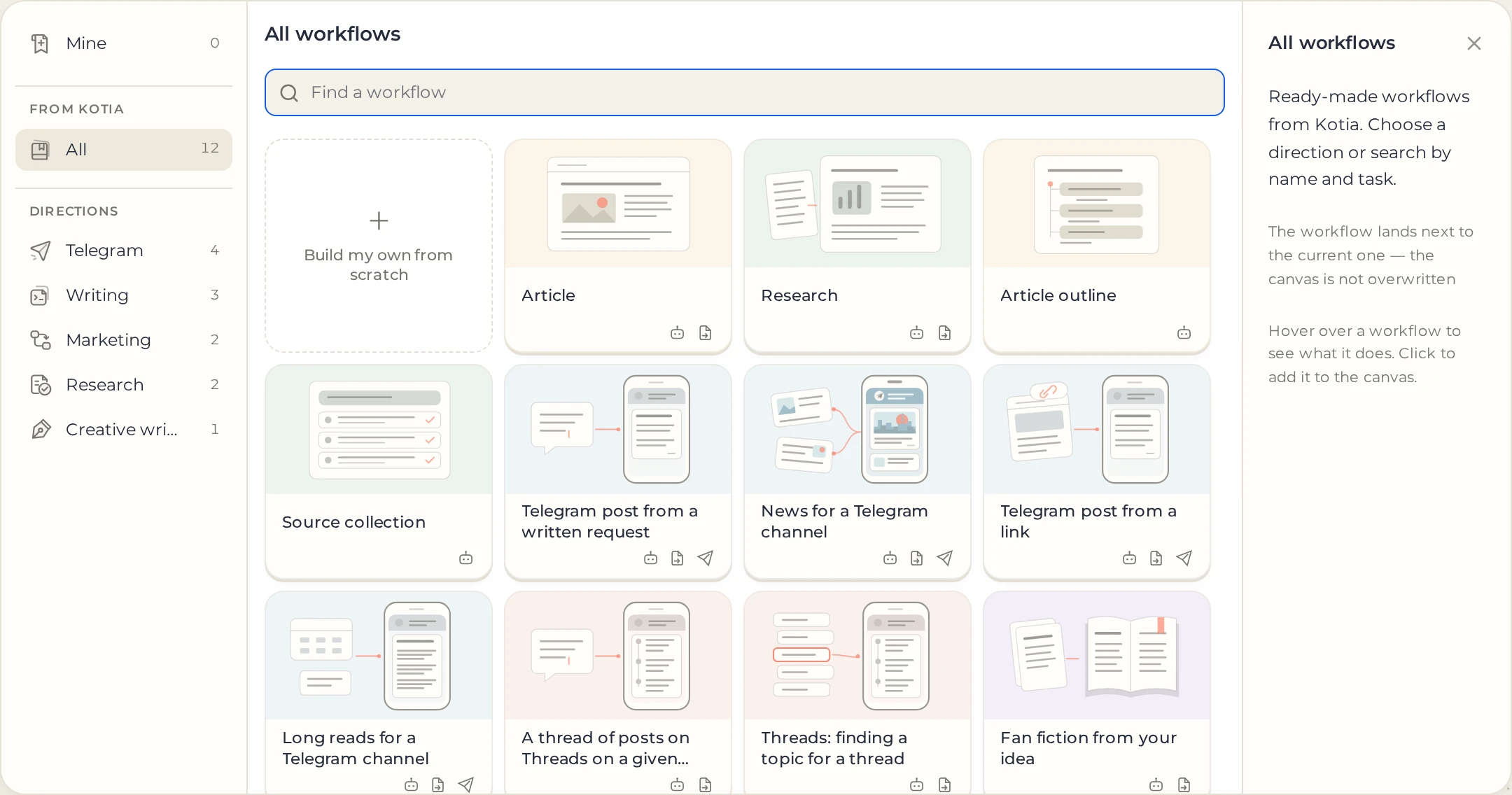
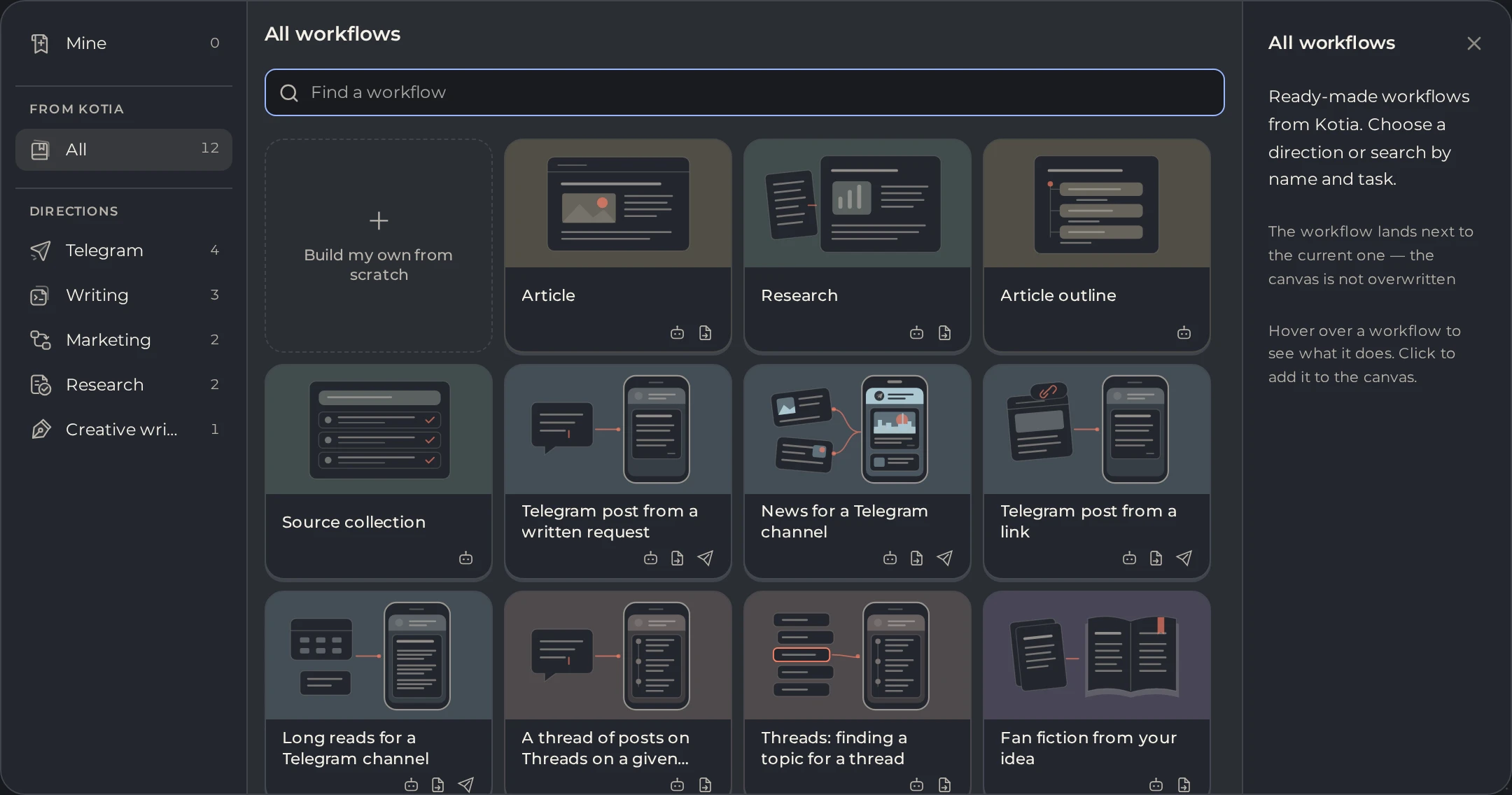
- Open the "Ready-made workflows" library in the builder on your computer.
 123
- 1Directions
- 2Search by name and task
- 3A ready-made workflow
- Find the Telegram post on request workflow and add it to your workflow.
- Read the notes and tasks inside your copy. Replace the example topic with your own details: type of session, date, program, participation terms and how to sign up.
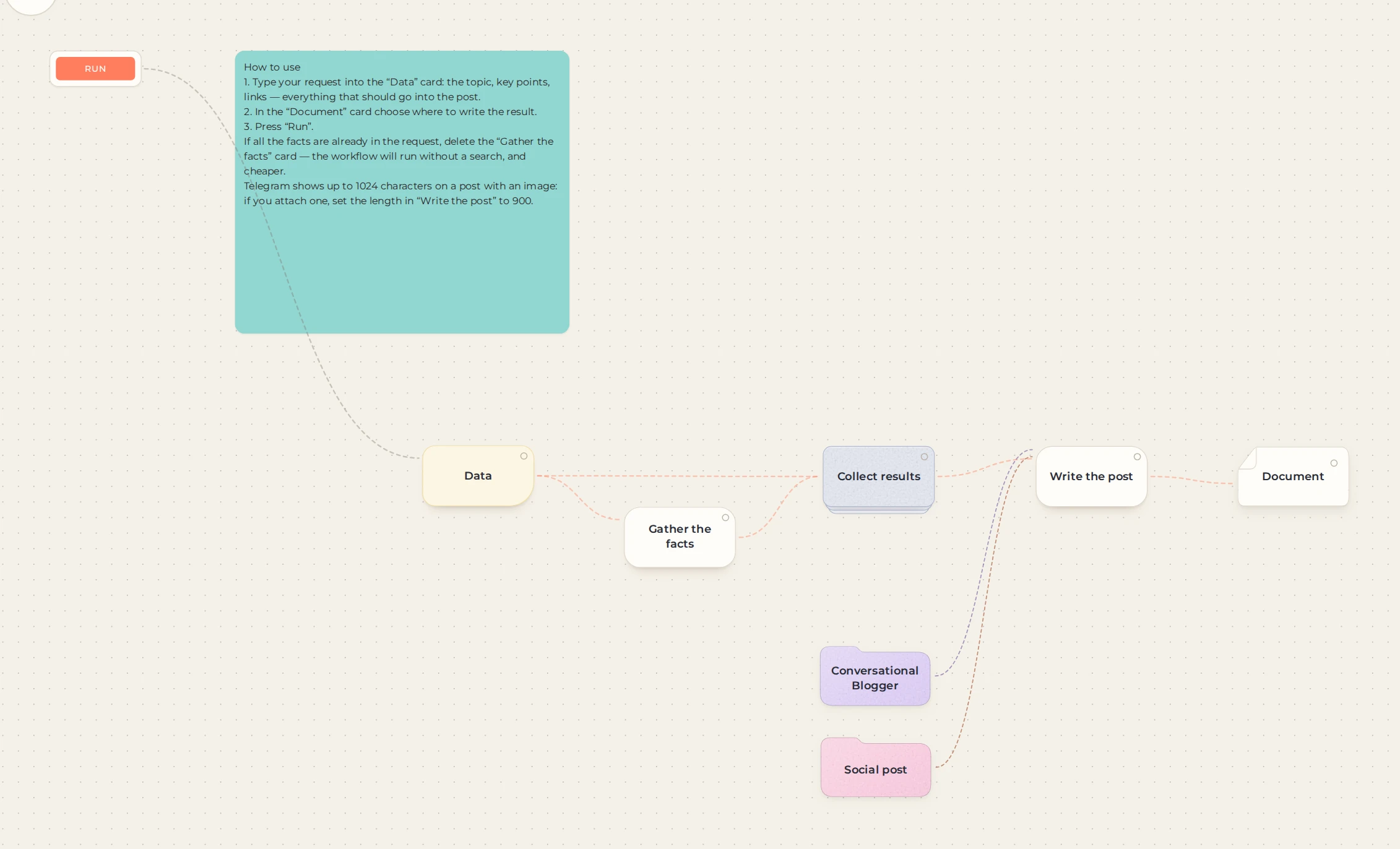
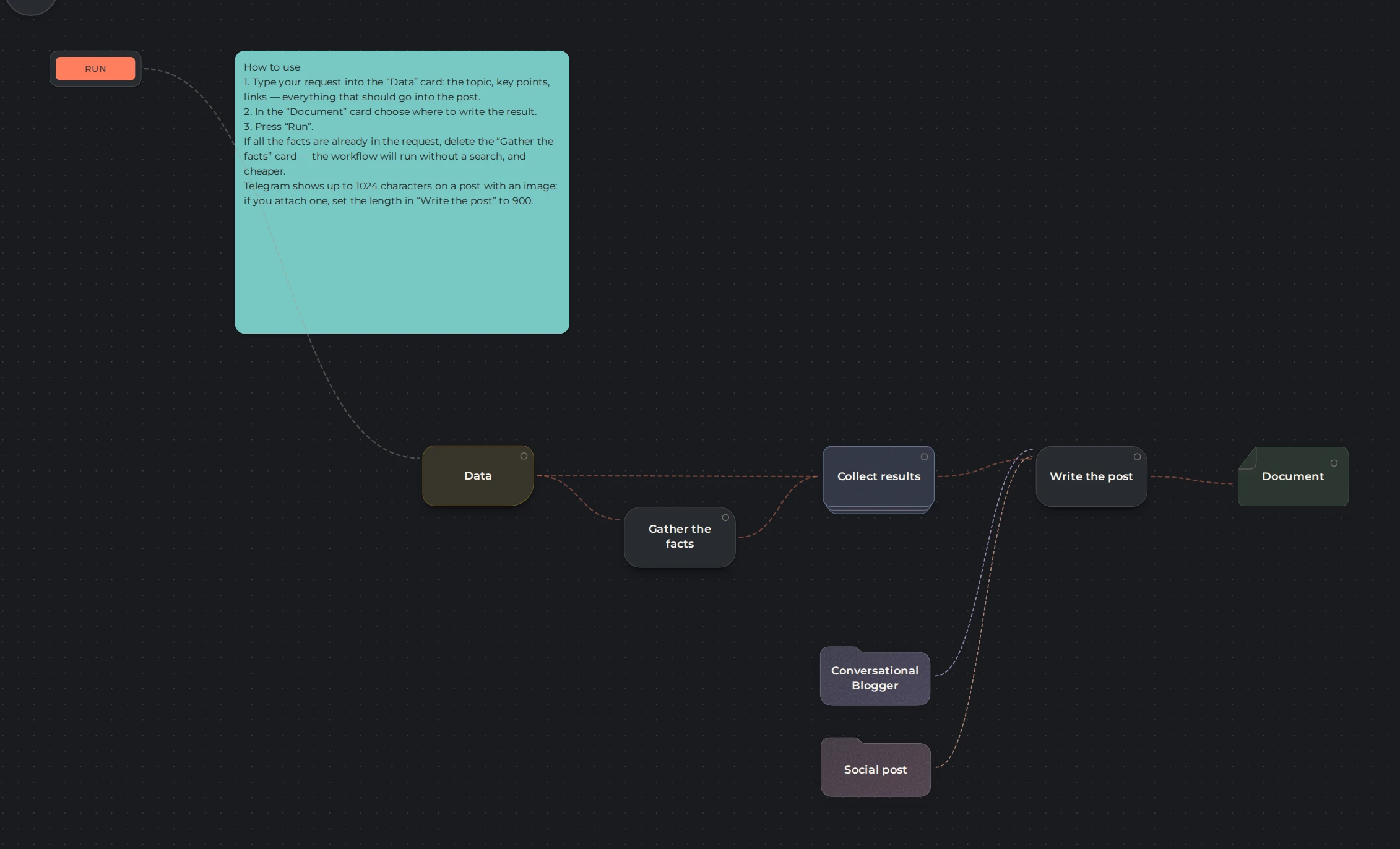 1234
- 1How to use
- 2Your request goes here
- 3The post is written here
- 4The result is saved here
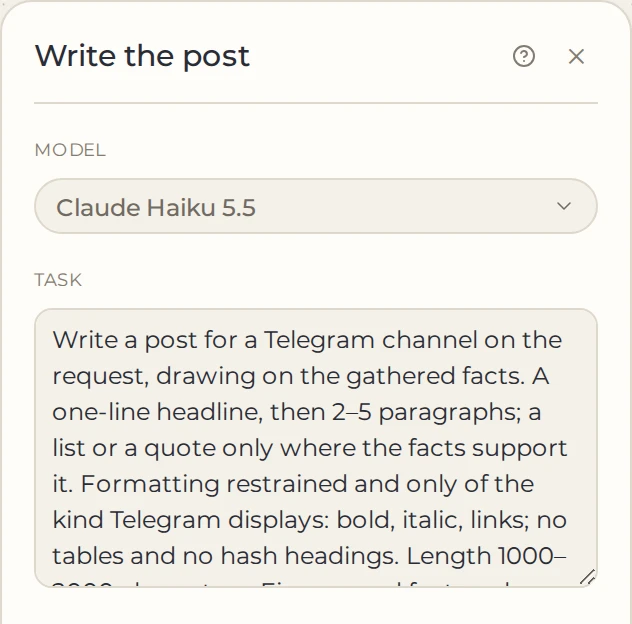
- Specify the requirements for the post: who it's written for, what information must come first, and what tone you need. Do not ask the model to make up missing prices or terms.
 1
- 1Requirements for the post
- Check the connection to the start, the required fields and the output to "Document".
- Run the workflow for one session. Read the result and, if needed, edit the task if the presentation doesn't fit the channel.
- For the next post, replace the event details. The general requirements for the channel can stay the same.
This way you reuse a configured process and don't have to write the task from scratch. The detailed structure of the workflow is described on the page of the selected workflow.
How to save your version and run it regularly
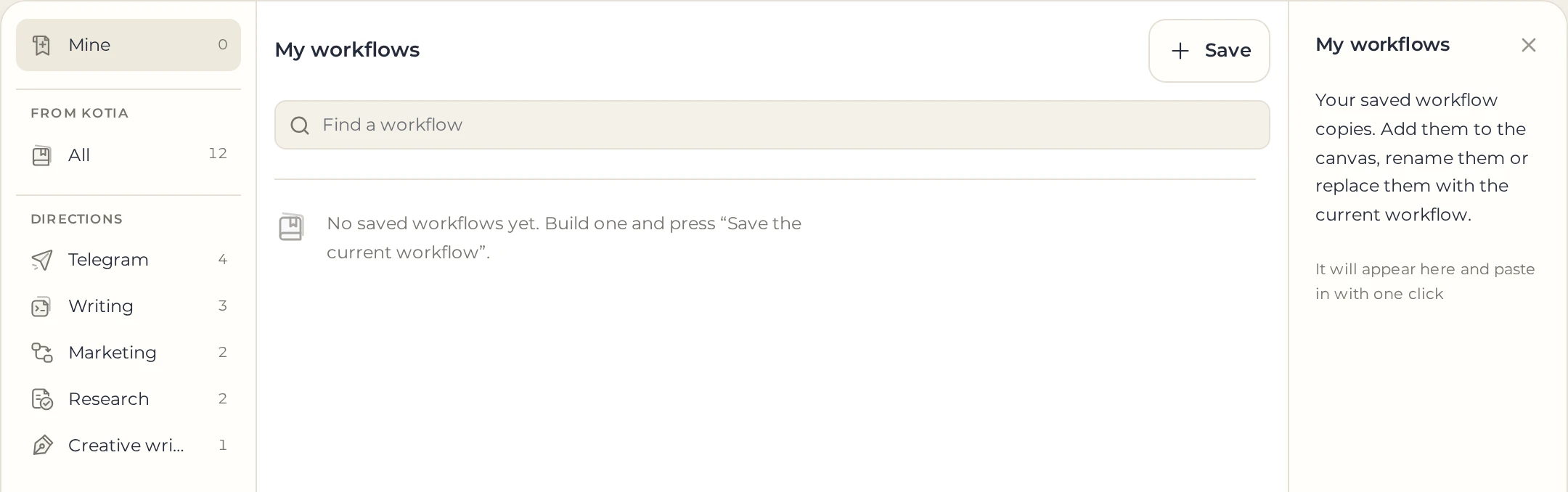
If you have changed the workflow and want to use it in other workflows, save your template. Choose a name that makes the template's purpose clear, for example "Workshop class posts".
 12
- 1My workflows
- 2Save the current workflow
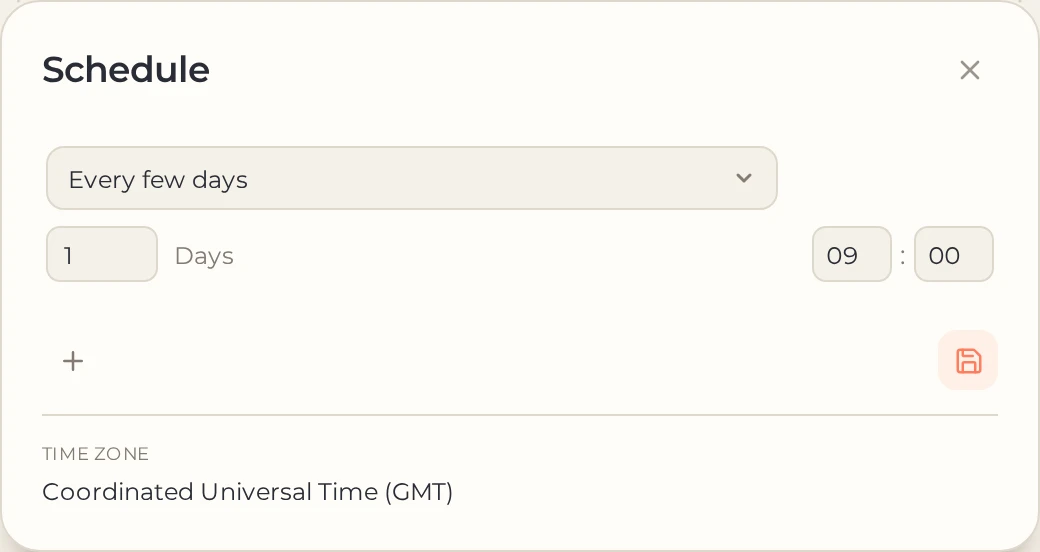
To run the workflow at a set time, use the schedule. First, check where each run will get new data: the same unchanged topic does not turn into new news automatically.
 12
- 1How often and at what time it starts
- 2Time zone of the rule
Each run of paid steps uses tokens. Before running the workflow regularly, check the result, the cost, and how cards that keep materials between runs behave.