
Blog content plan with AI: how to pick topics in Kotia
Set up a workflow that suggests blog topics for your audience, selects the best ones, and formats them into a content plan you can reuse for next issues.
On this page4
Collect blog ideas and turn them into a working publishing plan. In Kotia, you can set up a workflow that suggests topics for your niche, selects the ones that suit your readers, and formats the result into a document. Blog requirements are saved and used when you prepare the next issues.
The output is a set of topics, each with a clear goal: what to explain, who will find it useful, and which materials to rely on. You can hand this plan to a writer, use it yourself, or take individual topics for further automated writing.
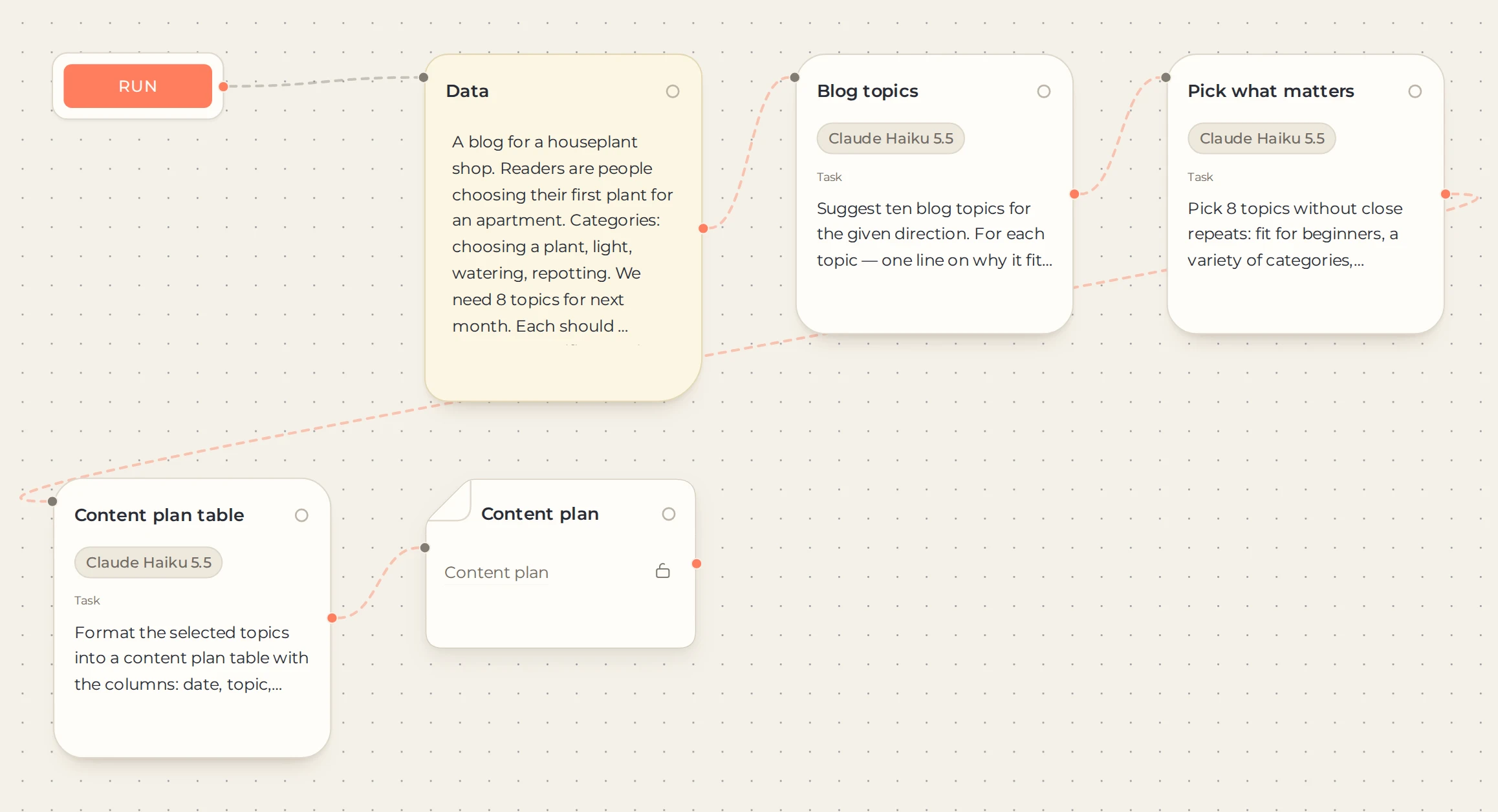
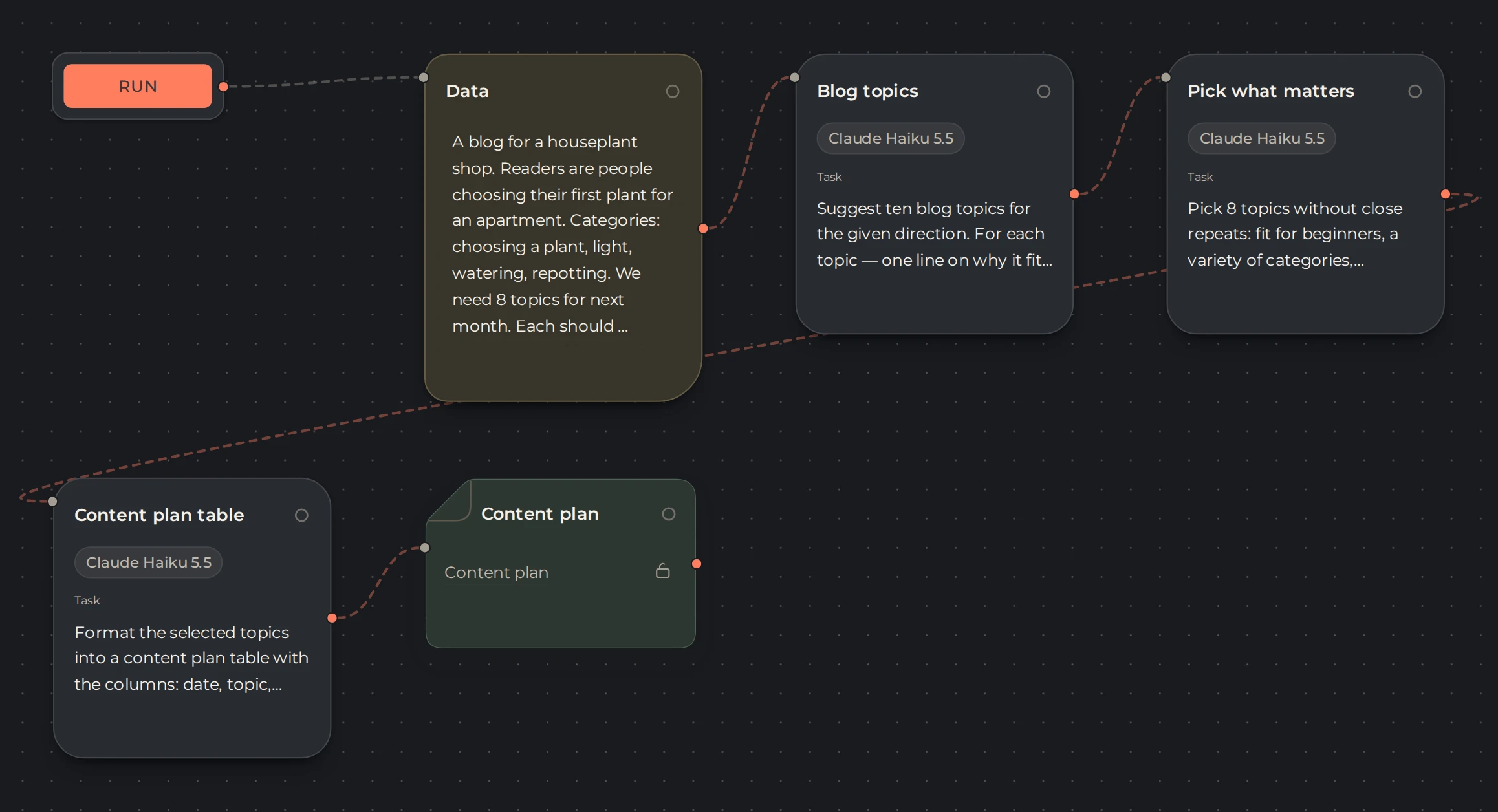 1234
- 1Blog, readers and used topics
- 2Suggests topics
- 3Picks by your criteria
- 4Formats the plan table
Example: a plan for a houseplant shop
Instead of a task like "come up with content," set a direction:
A blog for a houseplant shop. Readers are people choosing their first plant for an apartment. Categories: choosing a plant, light, watering, repotting. We need 8 topics for next month. Each should answer a specific question from a beginner. Articles on choosing a pot and caring for a ficus are already published, so do not repeat these topics. Do not include promotions or products that there is no data about.
This kind of description helps you evaluate the suggestions. A topic about professional greenhouse equipment does not fit this task, while an explanation of how to choose a plant for a north-facing window fits the audience.
How to pick topics and format the plan
Add "Data" with a description of the blog, its readers, categories, and the topics already used. Connect it to the start of the workflow.
Connect the data to the "Blog topics" card. Specify the task: how many options to suggest and what to explain in each. The standard task suggests ten topics.
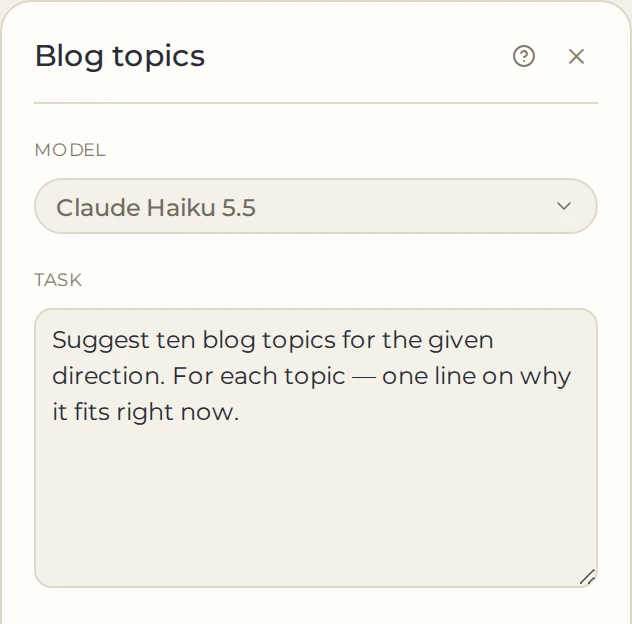
 1
- 1How many topics and what each explains
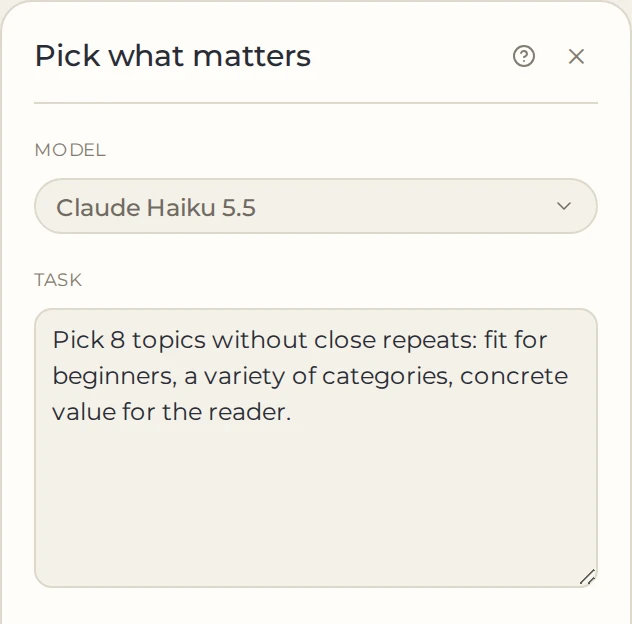
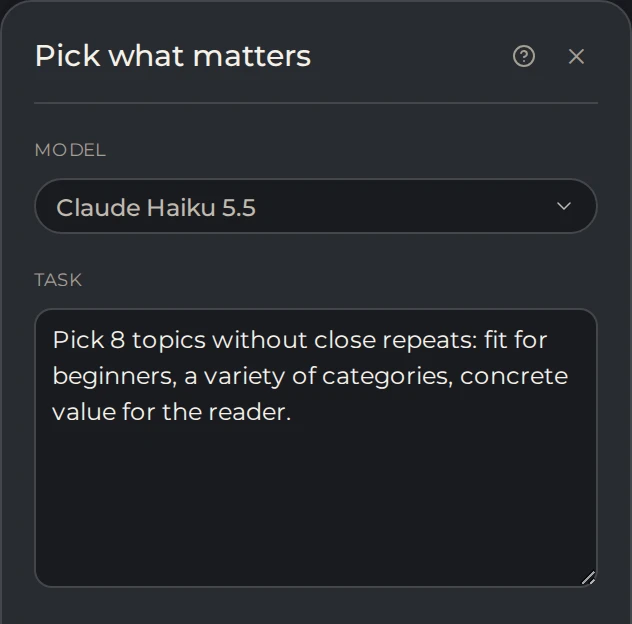
Add "Pick what matters". Pass it the list of suggestions and set the selection criteria: fit for beginners, variety of categories, concrete value. For example: pick 8 topics without close repeats.
 1
- 1Selection criteria
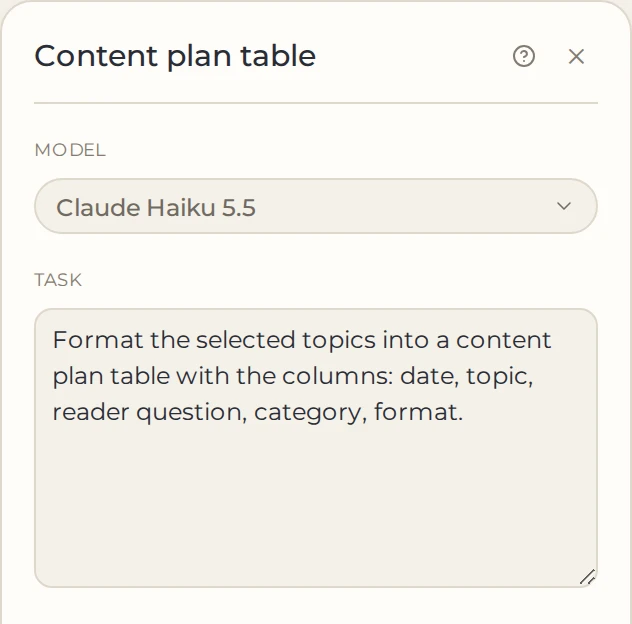
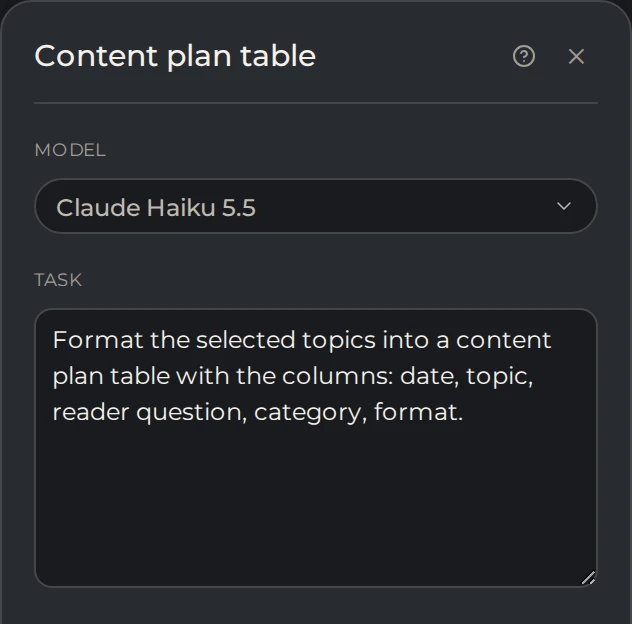
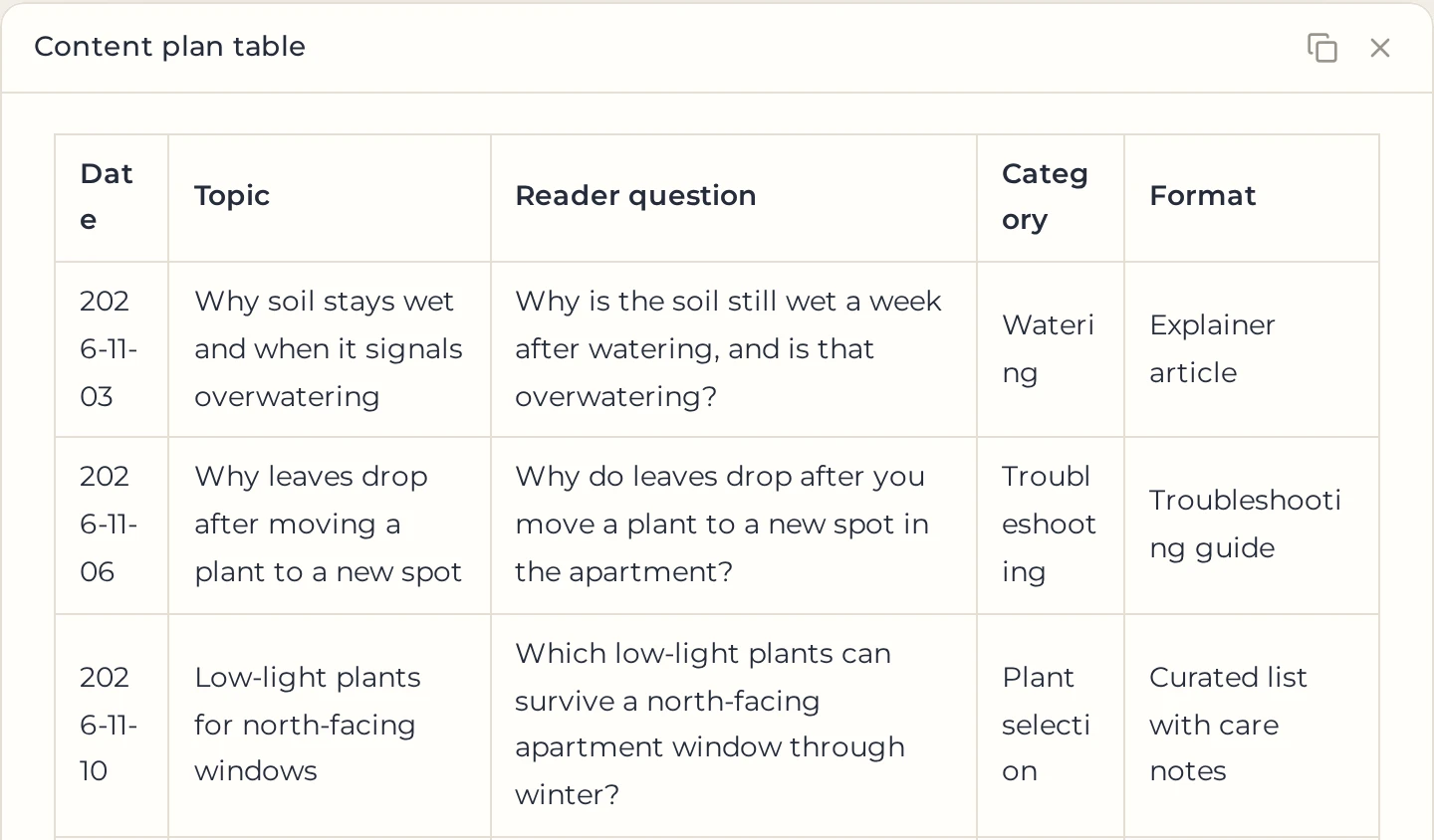
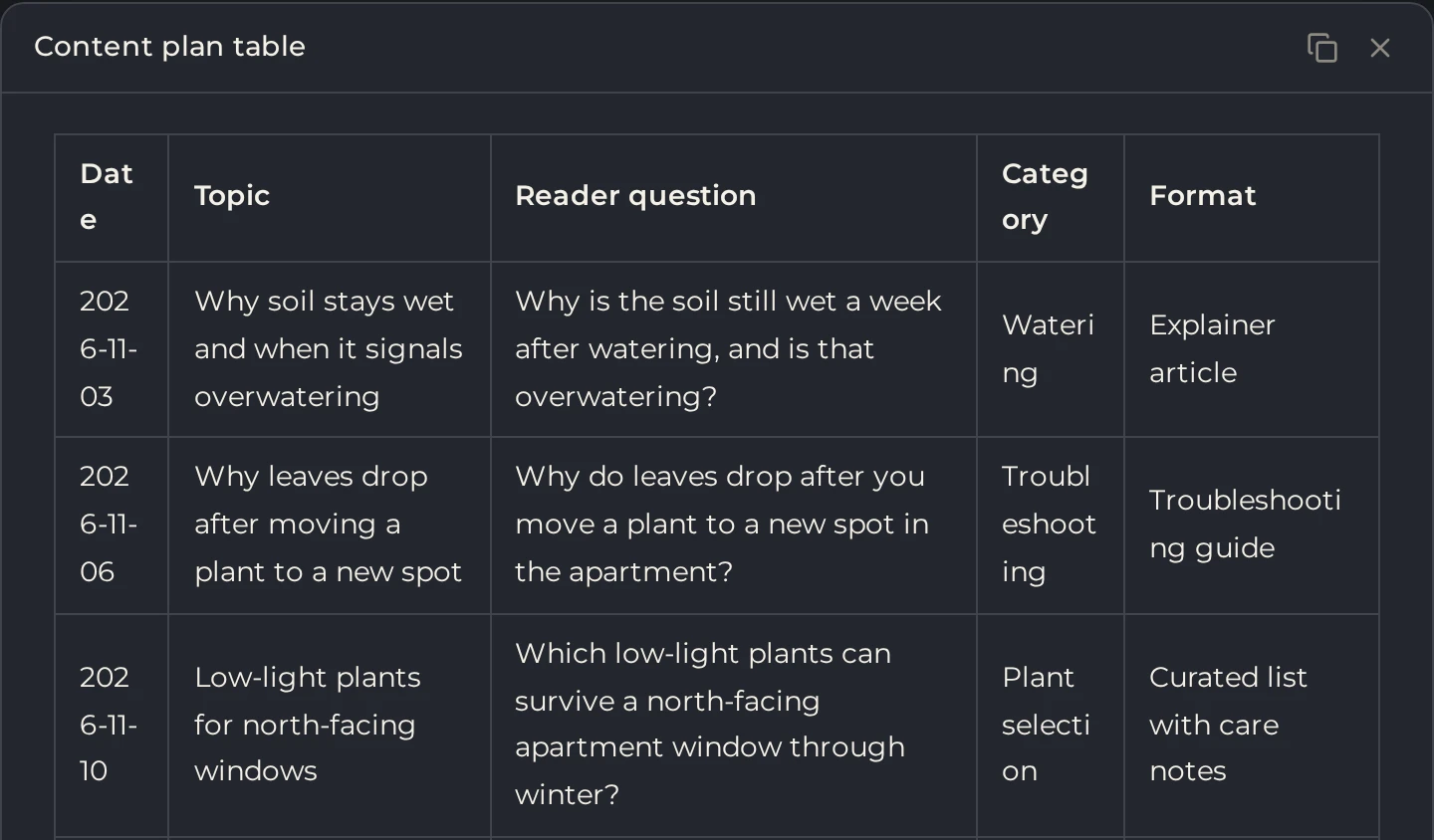
To build a table, add "New step" and ask it to format the selected topics into a content plan with the columns from the example below. If you want to choose topics manually, place "Ask me" before this step.
 1
- 1Columns of the content plan
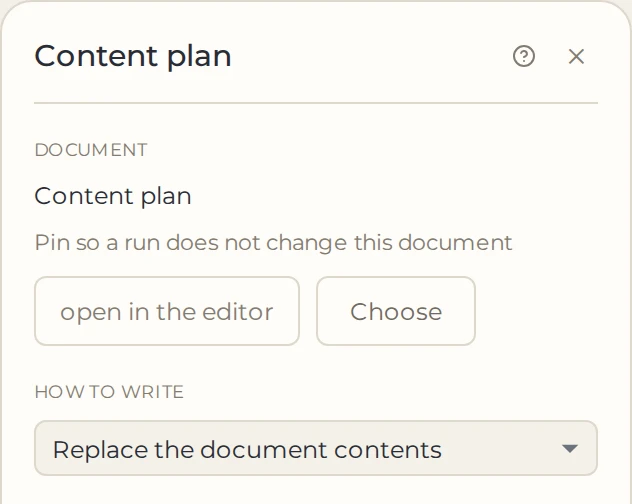
Finish the workflow with "Document" or "Folder", and choose where to save. A folder is handy if each new plan needs a separate document.
 12
- 1Where the plan is saved
- 2Replace or add to the text
Run the workflow, then review the selection and the final plan. Replace topics that are already covered or that do not fit your product range and expertise.
 12
- 1Columns of the plan
- 2One topic: reader question and format
Example of the result format:
| Topic | Reader question | Format | What the writer should prepare |
|---|---|---|---|
| Plants for a north-facing window | What to choose if there is almost no direct sun? | Comparison of several options | Real stock and the features of each plant |
| How to tell when it's time to water | Which signs should I look for? | Short how-to guide | Examples from the plants the blog covers |
This is a sample of the plan's structure. Take product details and facts for future articles from real materials. A generated table is not a verified source.
Where to find more ideas
To base the plan on articles that are already published, connect the "Site article list" card. The card collects headlines and links from the selected blog. Pass them to the selection step with a task to suggest your own topics for your audience. Titles of other articles help you find directions. To study the content of the selected links, you need to parse them separately.
If you want to understand what people search for, use "Keyword collection". A topic suggested by an AI model does not, on its own, confirm search demand or uniqueness.
How to prepare the next plan without setting up again
Save the description of your audience, categories, and table format. Before the next run, update the period and the list of published materials. A saved description cannot learn on its own which topics you published over the month.
For regular selection, you can add "Skip repeats". The card remembers items that were already passed further during selection. So its list means "used in the workflow," not "published on the blog." If few topics are left after filtering, new ones are not generated automatically. Prepare them with a separate step or run.
Dates you add to the table remain part of the editorial plan. They are not a schedule and do not trigger publication.
When the plan is ready, choose the next tool based on your task. You can write the articles yourself, or pass an individual topic to the Article service. Preparing a plan does not require ordering articles in Kotia.
Selection, filtering, and formatting are done by AI models, so each step and each repeat uses tokens. Saving to a document is free.