
Compare sources for an article and find contradictions in the data
Compare sources for an article and find discrepancies in numbers, dates and conclusions. Add links or texts, then check disputed points in the report.
On this page4
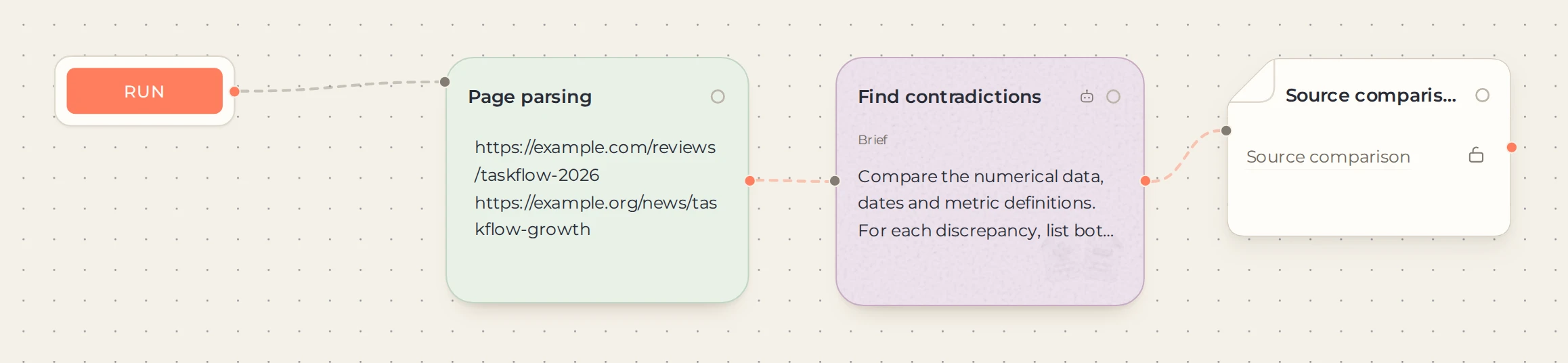
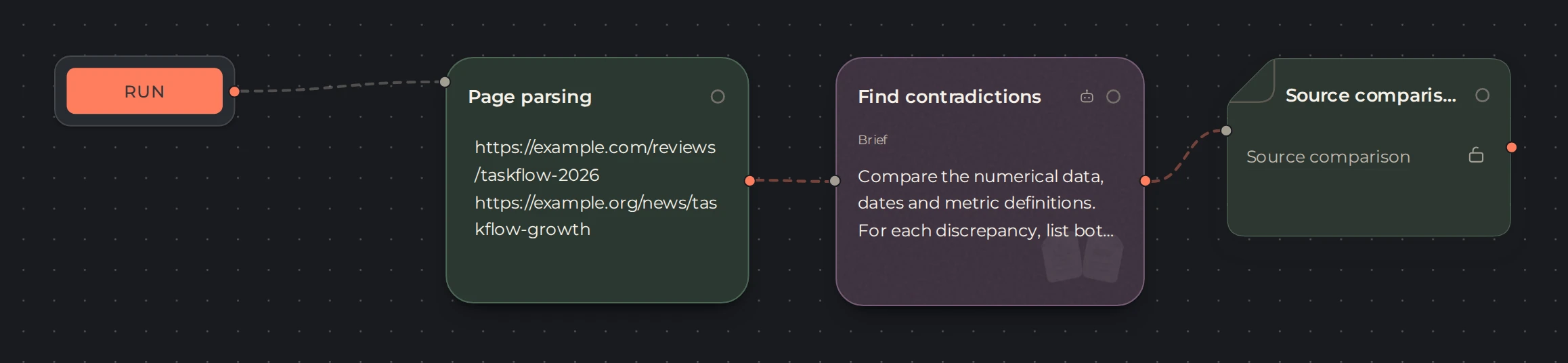
Compare your materials before you write the article so you can see in advance where the sources disagree. Kotia can read the selected pages and pass them to the "Find contradictions" card. The card prepares a report: which claim is being discussed, which versions appear, and in which material each one is given.
This is useful when you are preparing a product review, researching a topic, or writing an explanatory article based on several publications. Instead of mixing incompatible numbers in one text, you get a list of questions to clarify before drawing conclusions.
 123
- 1Links to the sources
- 2What to compare
- 3The report
Example: different numbers in reviews of one company
Imagine that one source reports the number of active customers for the year, and another — the total number of sign-ups for all time. The numbers differ, but there may be no contradiction: the sources measure different indicators.
In the comparison task, specify:
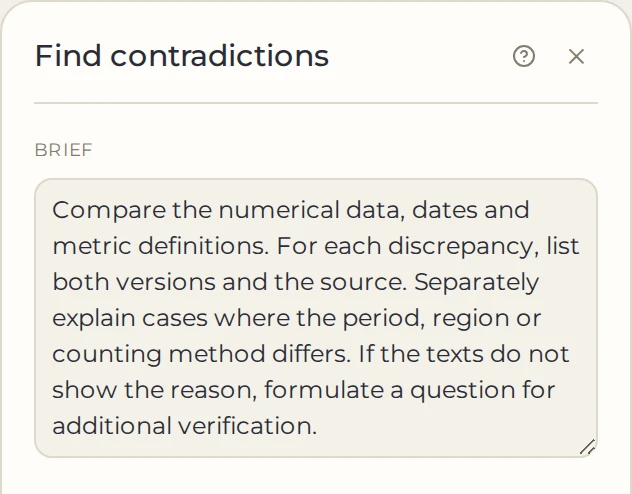
Compare the numerical data, dates and metric definitions. For each discrepancy, list both versions and the source. Separately explain cases where the period, region or counting method differs. If the texts do not show the reason, formulate a question for additional verification.
This way, the result helps you understand the data instead of just listing every mismatched phrase.
How to compare materials by links
Prepare the URLs of publications that relate to the same question. To start, it's convenient to take two or three sources.
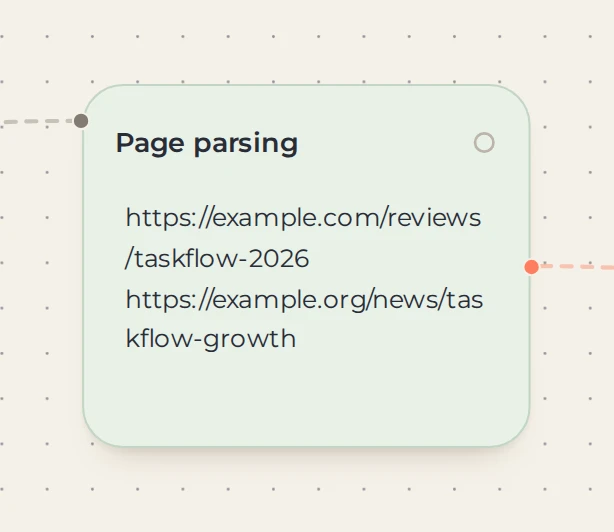
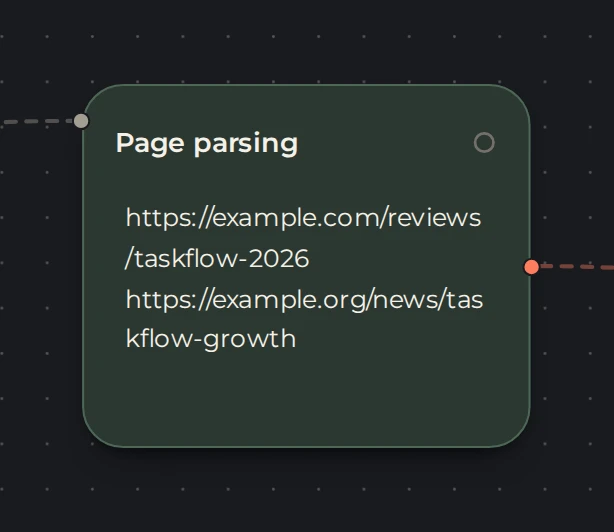
Add "Page parsing", enter the links, and connect it to the start of the workflow. One run reads up to 20 URLs.
 1
- 1One link per line, up to 20
Connect "Find contradictions". In the task, specify what to compare: specifications, numbers, chronology or offer terms.
 1
- 1What to compare
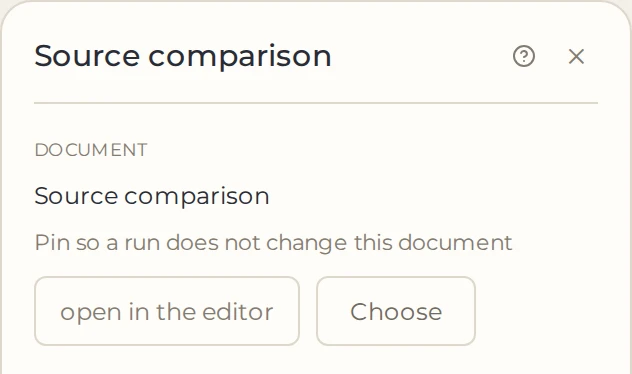
Save the card's result to "Document" or "Folder".
 1
- 1Where the report is saved
Run the workflow. Before you read the conclusions, check the page parsing result: which pages were actually opened.
Read the report, go to the disputed passages in the sources, and decide which information you can use in your article.
If you already have the materials as text, pass them in from "Data" or your documents. Keep the title and link next to each text. The card can also work with a single combined set that contains different sources. You don't need a separate connection for each publication.
How to work with the discrepancies you find
| Discrepancy | What to check |
|---|---|
| Different values of one metric | Whether the period, units and counting method match |
| Different event date | Whether an announcement, the start of testing and the release are mixed up |
| Different product specifications | Whether the sources refer to the same model and version |
| Opposite conclusions | What data and conditions each author relies on |
"Find contradictions" analyzes the materials you provide and does not search the internet for new confirmation itself. The report shows the differences; you need to verify the accuracy of disputed information using the sources. If you need external confirmation for specific claims, run an additional search or fact-checking.
How to move from comparison to your article
Save the facts you have established and the links, and mark the open questions. Pass this information along with the materials into the writing task: which data to use, where a caveat is needed, and which conclusion cannot be drawn yet.
If you are also automating the next stage, don't rely on the report alone: it lists the discrepancies, but not the full content of the sources. Pass on the original materials and your decisions on the disputed points, so that the authoring stage has enough grounds.
The card "Compare two versions" is for a different task: understanding what changed between "Before" and "After" in a single text. For several independent sources, use "Find contradictions."
Parsing and analysis are billed separately, and each repeat analysis creates a new charge. For the next set of links, save your comparison criteria, replace the sources, and choose a separate place for the report.