
Fact-check articles before publishing with AI in Kotia
Check numbers, dates, quotes and claims in your draft. Kotia prepares a report with sources and comments; you keep the text and decide on edits.
On this page4
Find the claims that should be corrected or clarified before the article is published. "Fact-check" in Kotia analyzes the text you provide, looks for confirmation of its claims, and prepares a separate report. It states what is confirmed, where there are discrepancies, and which sources help resolve them.
You can add the check to a workflow after the article is written, or run it on your own draft. The original does not change. You get material for editing: specific comments, links and suggested clarifications. The decision about edits is yours.
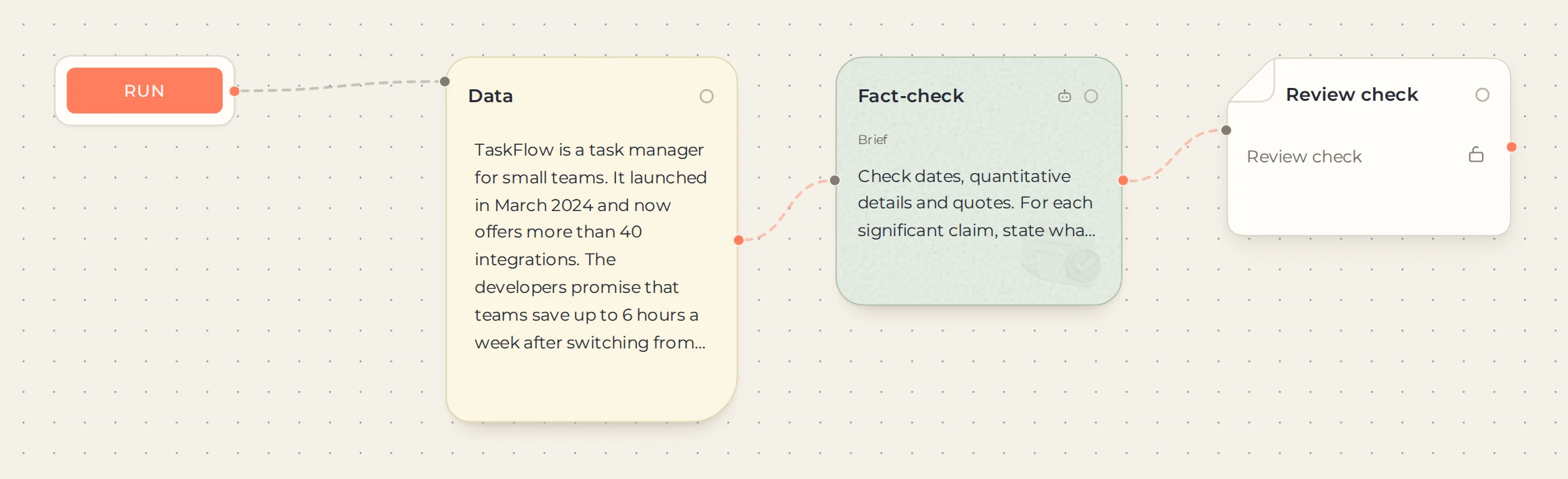
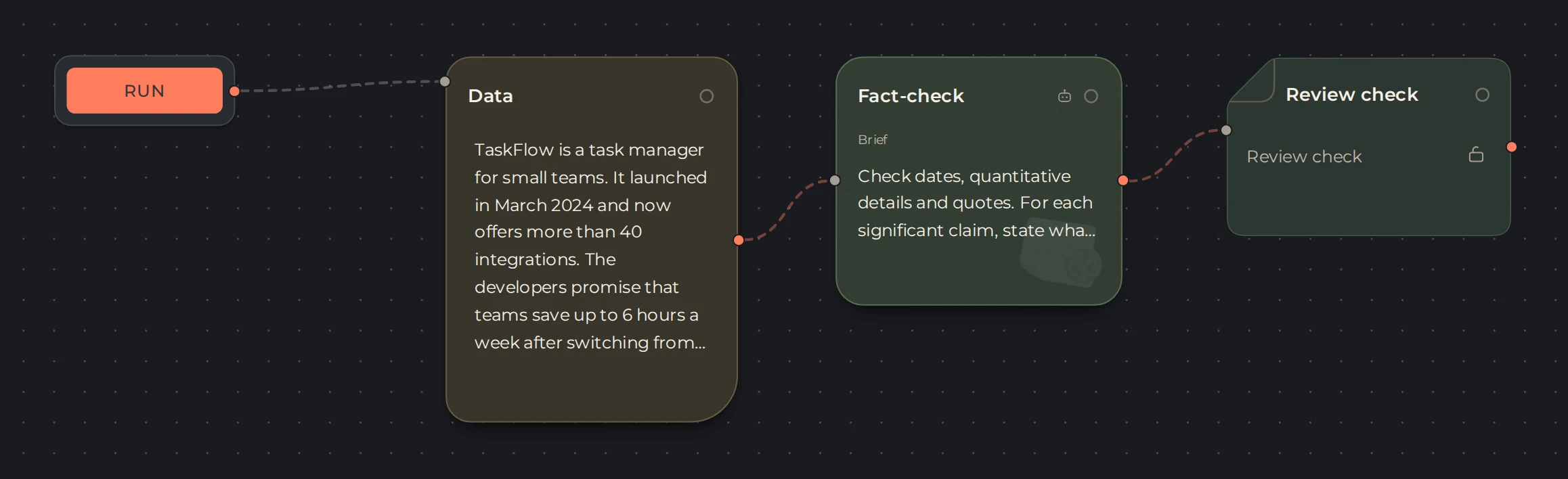 123
- 1The draft
- 2Checks the claims
- 3A separate report document
Example: check the figures and promises in a review
Suppose a service review lists the launch date, the number of available features and a promise of time savings. In the check task, set the priority:
Check dates, quantitative details and quotes. For each significant claim, state what you were able to confirm and from which source. Separate information about the current version from old terms. If time savings are given without a study or measurement, mark this separately.
This keeps the check focused on the factual basis of the review. It should not turn someone else's marketing promise into an established fact just because it is repeated on several sites.
How to check your own draft
Pass the text to "Data" or select the document that will serve as the source. If you are checking a new article, pass its result directly from the writing step.
Connect "Fact-check". It needs incoming text: a single "check the figures" task without the material itself will not replace the article.
If needed, specify in the task what to check: numbers, names, dates, quotes or individual sections. For a general check, you can keep a broader scope.
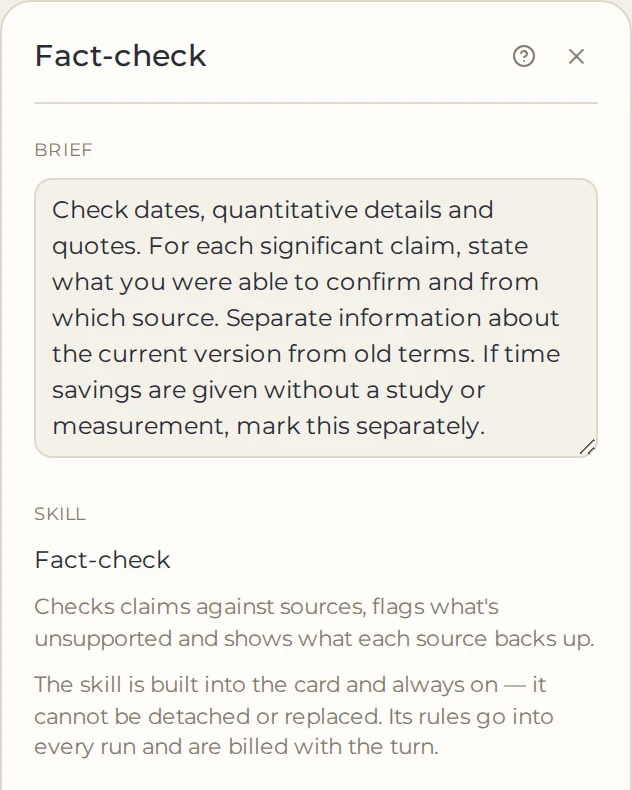
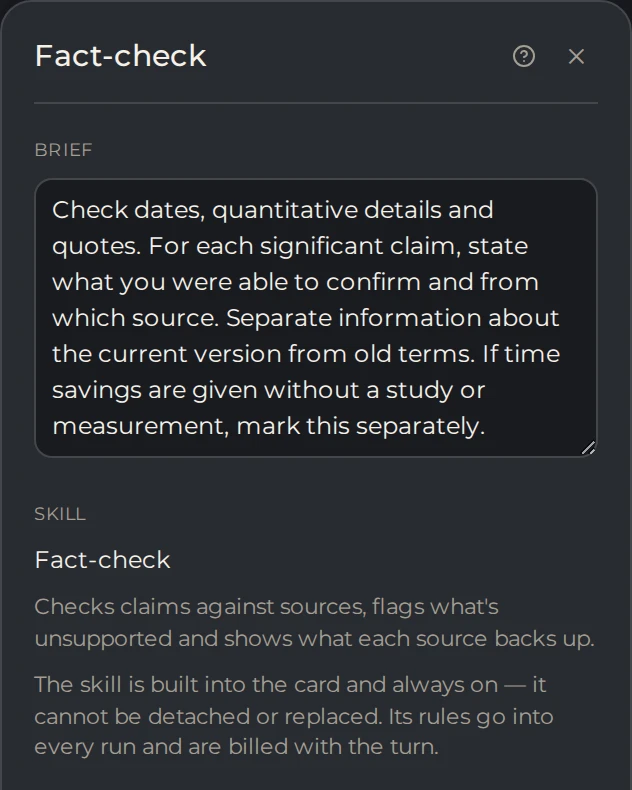 12
- 1What to check
- 2The built-in checking skill
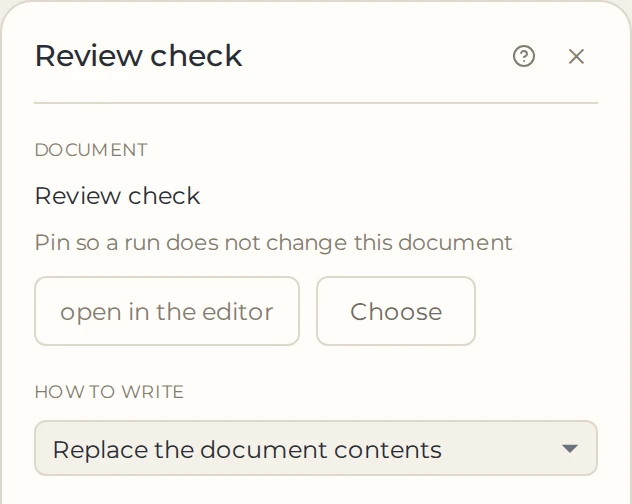
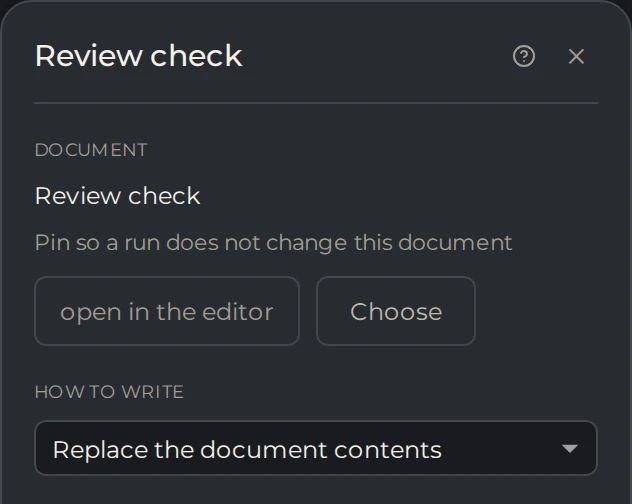
Connect the result to a separate "Document" with a clear name, for example "Review check". Do not choose the original article as the report target in replace mode.
 12
- 1The report, not the article itself
- 2Replace is safe only in a separate report
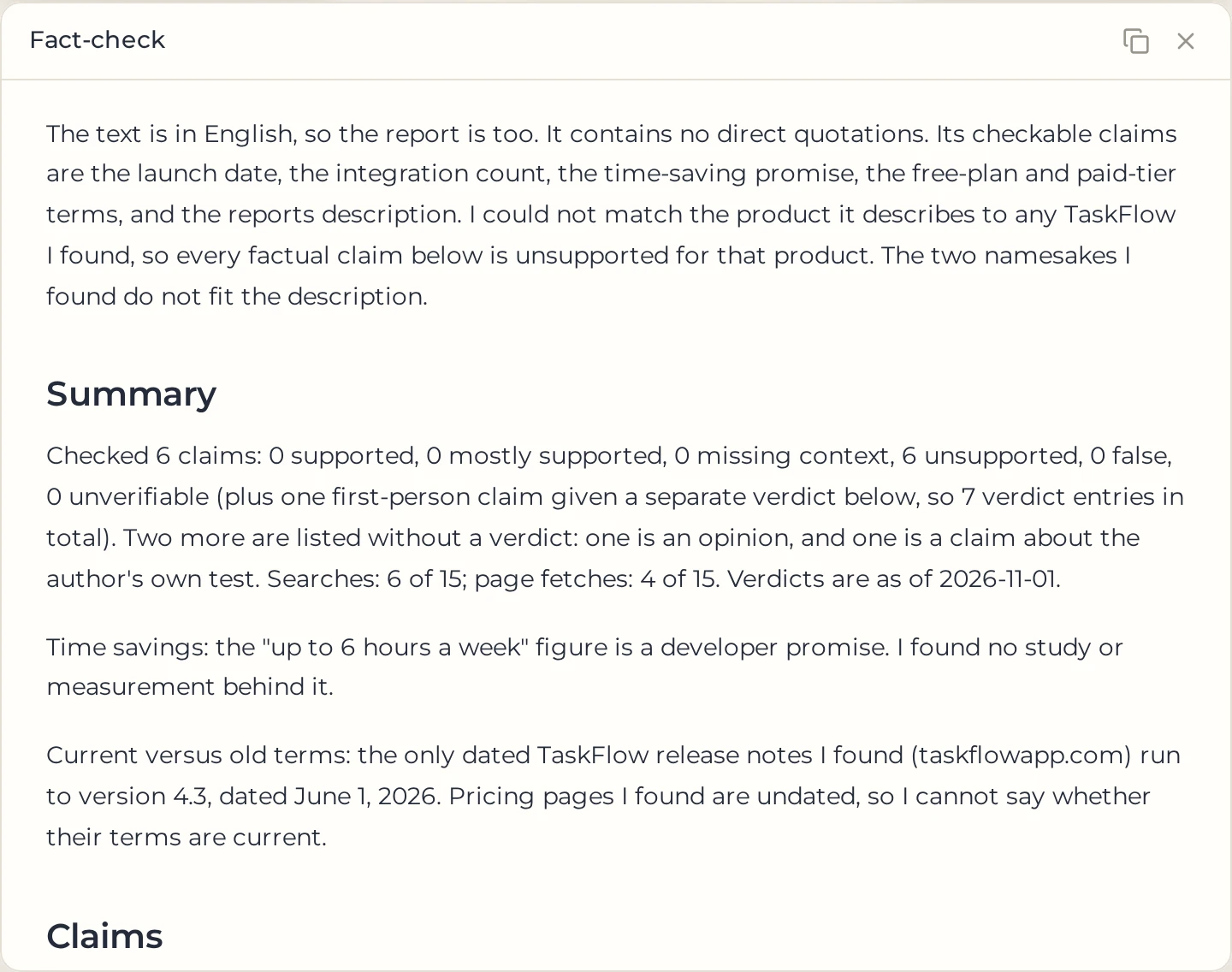
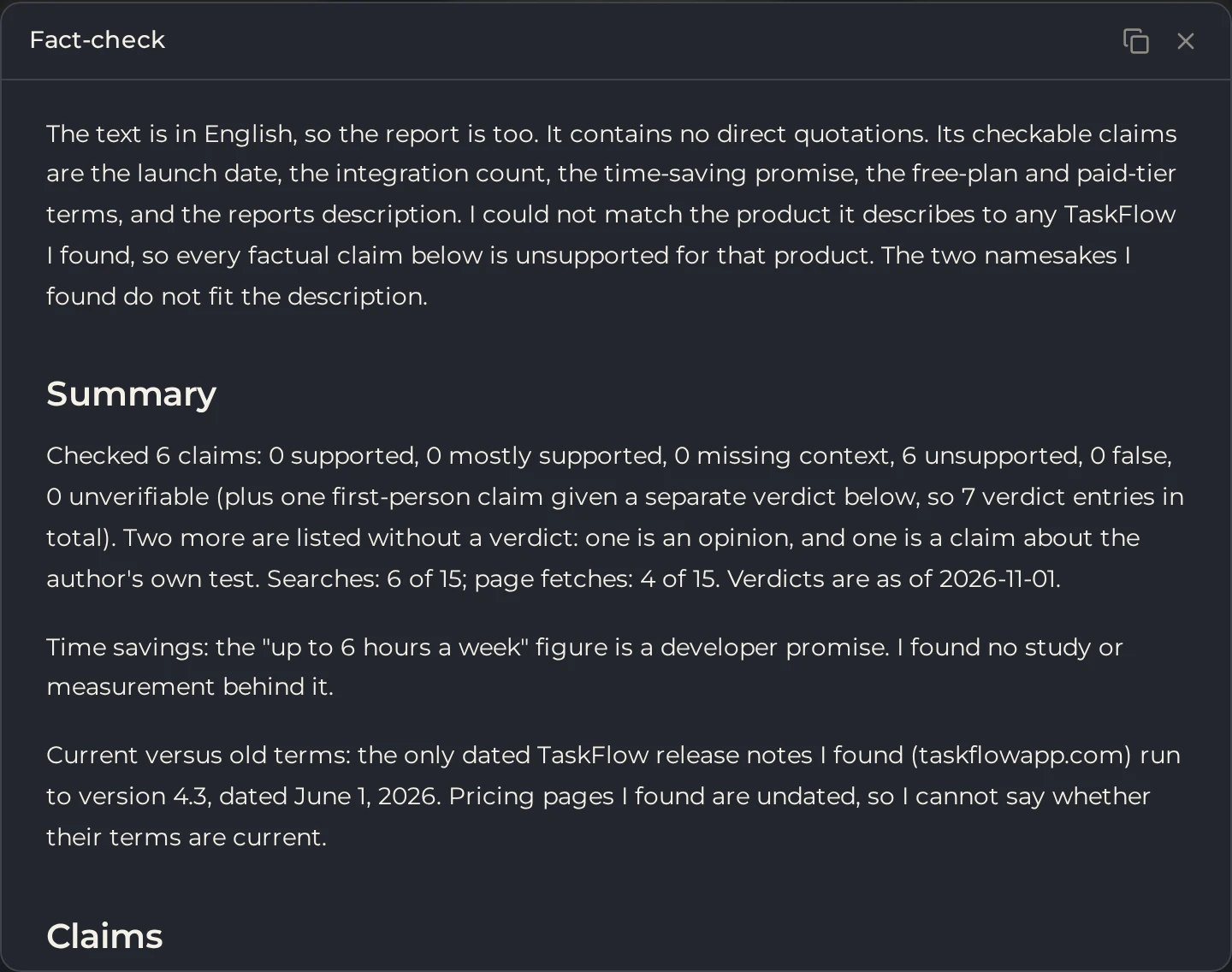
Run the chain. When it finishes, open the report and compare the comments with the original text.
 12
- 1Verdicts on the checked claims
- 2A comment on one claim
Open the important links and check the context and the source date. Fix confirmed errors in the article and clarify wording where the data is insufficient.
For the next piece, change the text source while keeping the verification requirements. If you need a separate report for each article, use a "Folder" for the results or choose a new document.
How to act on the report
| Observation in the report | Author's action |
|---|---|
| Source confirms the claim | Check whether the period, object and conditions match |
| Only part is confirmed | Narrow the wording to what has actually been established |
| Contradiction found | Compare the primary sources and data versions, then correct the text |
| No confirmation found | Find your own basis, remove the claim, or mark the uncertainty |
Absence of confirmation does not prove that the claim is false. And conversely, a link does not make the conclusion correct yet: the source may describe a different period or a different product. "Fact-check" helps direct the review but does not guarantee that it will find every error.
How to pass the comments on for automatic editing
If you want to assign the corrections to the next step, pass it both the original article and the report. To do this, you can use "Collect results" and save two labeled branches. In the editor's task, list the permitted changes: fix the specified numbers, add qualifications, keep the confirmed information and the structure.
After editing, check the new text. A report without the original is not enough to reconstruct the whole article. "Fact-check" itself does not replace the incorrect parts in the source document and does not send the corrected text to the website.
If you need to check the differences between two finished versions, use "Compare two versions". If you want to know how likely it is that AI was used in the text, that requires a separate task with the AI detector. It does not answer the question of whether the facts are accurate.
Usage depends on how the model works and on the amount of checking. A repeat run after corrections is charged again. Saving the report and waiting for the author's decision do not require additional tokens. Before running it again, decide whether you need a full review or a check of only the changed fragments.