
Update site articles with AI: parsing, rewriting, and comparison
Load an existing article by link, rewrite it with new verified data in Kotia, and compare versions before you replace the post on your site.
On this page4
Update your own articles to unified requirements: Kotia will read the page, rewrite the text, and save a new version for review. In a workflow, you can set editing rules once and then reuse them for the next materials. For example, simplify explanations, change the structure of an instruction, or add new information about the product.
The original post stays on your site. You get a separate text and can check what has changed before you replace the material. Pass current specifications, dates, and conditions in the task, because rewriting alone does not check every fact against today's information.
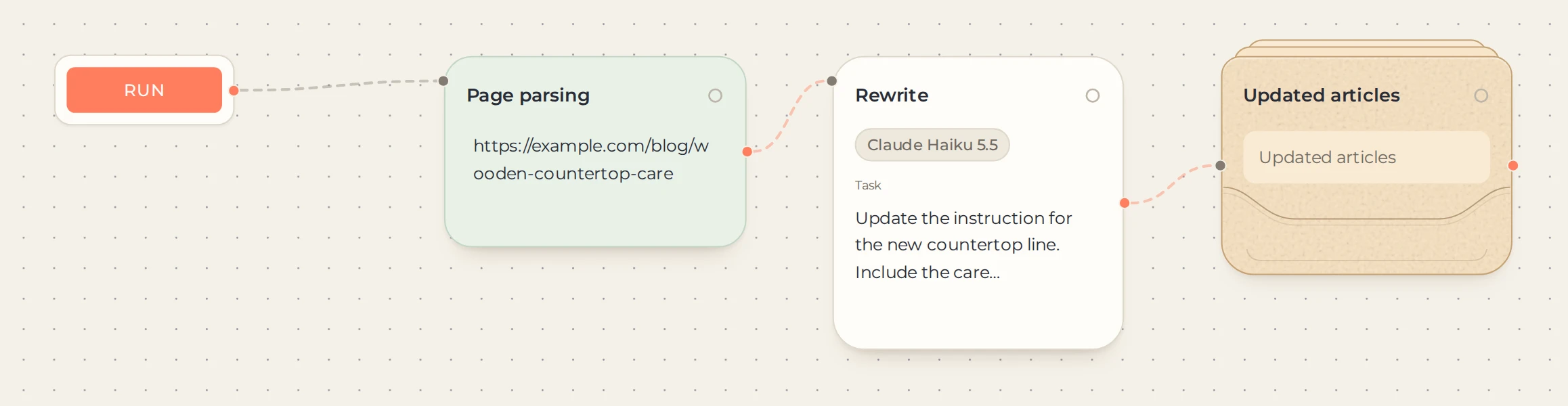
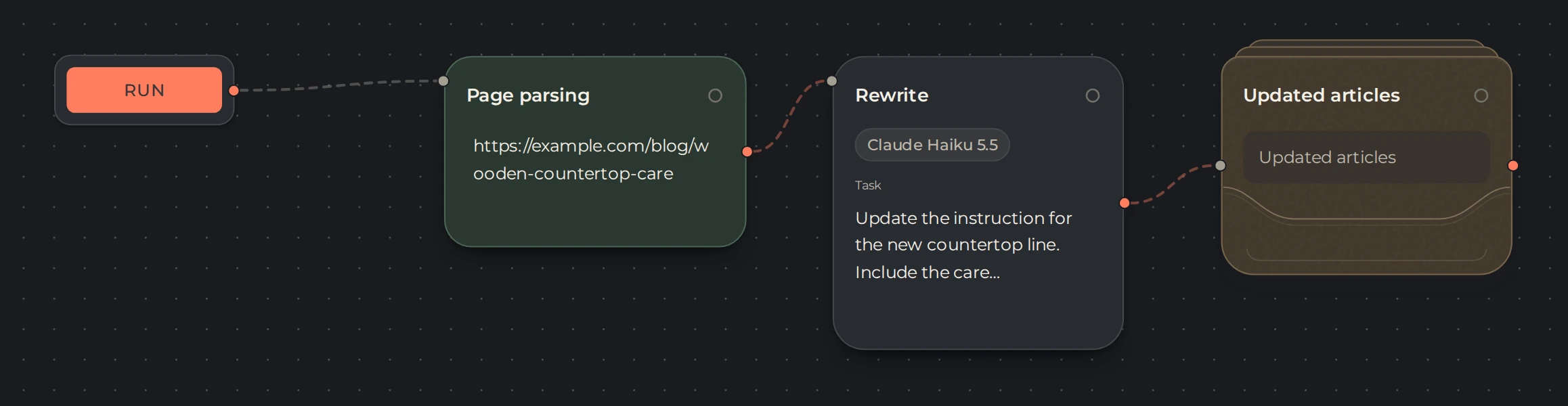 123
- 1Your article link
- 2What to change and what to keep
- 3Saves the new version
Example: updating care instructions for a product
Suppose your blog has an instruction on caring for a wooden countertop, and your new line uses a different protective finish. You pass the link to the article and the manufacturer's actual care recommendations:
Update the instruction for the new countertop line. Include the care recommendations below, and specify which models they apply to. Keep the useful explanations from the old article, and remove the repeated introductory text. Separate regular care from actions for stains. Do not apply the conditions of the new line to the other models.
After that, add the recommendations themselves. Without them, the AI has nothing to justify the change in care instructions. You can reword the existing text without new facts, but keep this work separate from updating the content.
How to set up rewriting of a single article
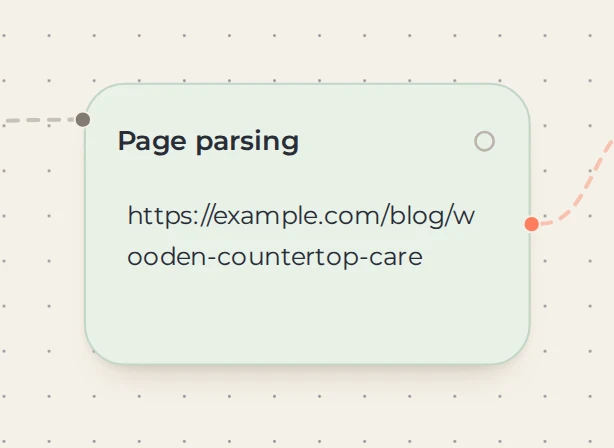
Add "Page parsing" and enter the address of your post. For the first run, enter one link, so you get one new version.
 1
- 1The address of your post
Connect the card to the start of the workflow, and connect its output to "Rewrite".
In the Rewrite task, describe what to change and what to keep. Paste in the new verified data, and explain which provisions they replace. You can reuse permanent style requirements in later runs.
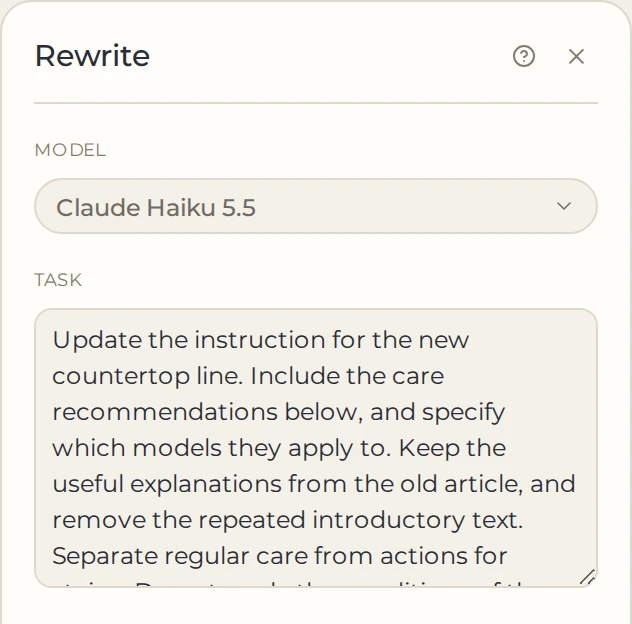
 1
- 1What to change and what to keep
Connect "Folder" or a separate "Document" for the updated text. Choose a save location so you don't overwrite other useful material in Kotia.
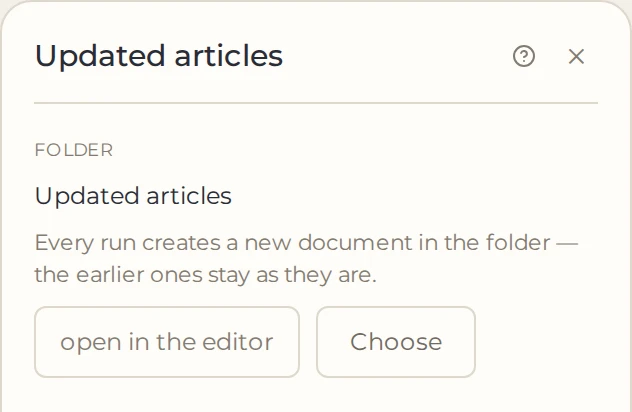
 1
- 1A new document for each version
Run the workflow. Open the parsing result and make sure the article itself was read, not an error page or a short available excerpt.
Read the new version and check that numbers, names, links, and new conditions have carried over correctly. After checking, move the text into the existing post using your site's own tools.
If the page cannot be read, paste its text into "Data" and connect it to Rewrite instead of parsing. Changing the input method does not change your editing requirements.
How to see meaningful changes
Add "Compare two versions". Pass the original parsing result and the rewrite result into it. On the source cards, assign roles: the original is "Before", and the reworked text is "After".
Save the comparison report as a separate document. It helps you spot where a number changed, a condition disappeared, or a conclusion became more categorical. This is an analysis of meaning, not a line-by-line diff. The report does not replace checking new facts against the manufacturer's materials.
| What changed | What to check |
|---|---|
| A number, a time period, or a condition of use | Whether the new data supports it |
| A deleted section | Whether an instruction the reader needs has disappeared |
| A more confident wording | Whether an assumption has turned into a promise |
| A link or product name | Whether the link leads to the right version and the product is named correctly |
How to continue with other site materials
For the next article, replace the link, update its factual data, and save the result separately. If you need to prepare a queue, first collect the addresses with "Site article list", choose suitable materials, and put one link at a time into "Hand out one at a time".
To make sure each article goes into its own document, pass one link per run. Parsing can pass several texts at once, and the next step will treat them as one shared material. For one-by-one updates, set up the handing out of links one at a time.
The "Send to WordPress" card creates a new draft and does not replace the old article at its address. That's why this recipe ends with checking the new version and updating the existing post on your site.
Usage includes parsing and the work of the models in the rewrite and comparison steps. To edit an already read text again, use running from a specific step. Before that, check that the source was actually saved in the previous attempt.