
Translate and adapt text with AI for new readers in Kotia
Translate an article with AI, then adapt explanations and examples for new readers. Set the language, keep a glossary and check facts before publishing.
On this page4
Use ready-made material for an audience in another language. In Kotia, you can combine translation and adaptation. First, you convey the meaning in the selected language. Then you adjust the depth of explanations, examples and the order of presentation for new readers. The original version stays with you, and the result is saved as a separate document.
This process suits instructions, articles and product materials. Terminology rules and audience details are saved in the workflow, so you do not need to write them again for each new publication.
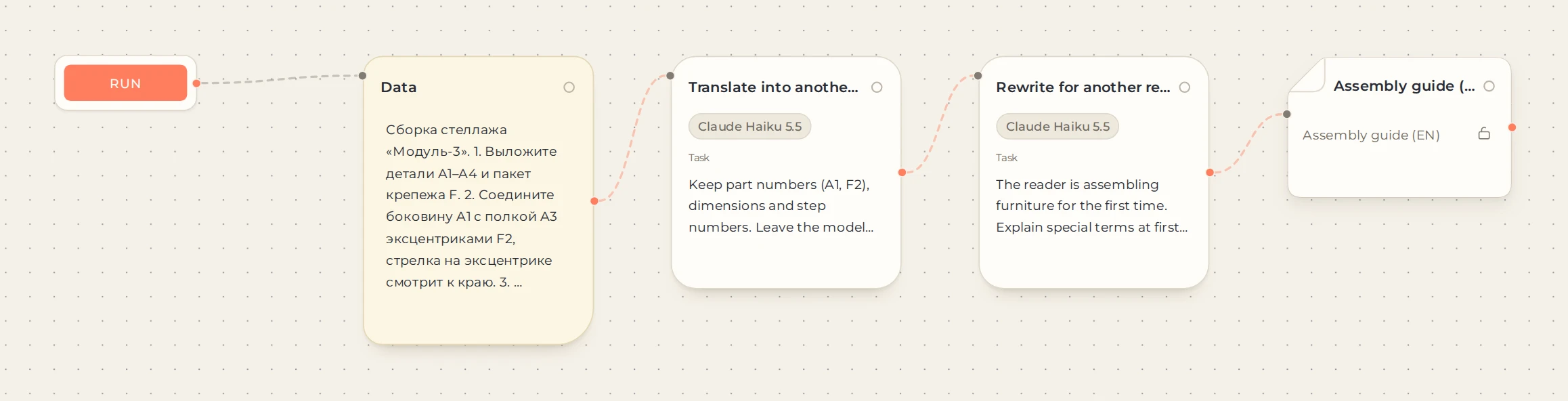
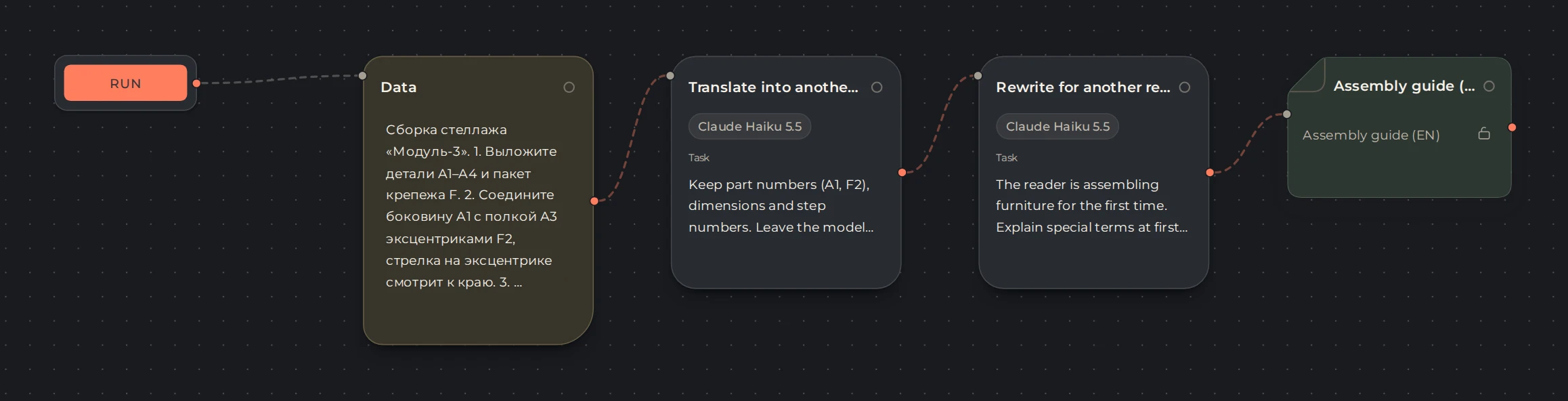 1234
- 1The source text
- 2Translates
- 3Adapts for the reader
- 4Saves the result
Example: instructions for customers in another country
Suppose you have a Russian assembly guide for furniture, and you are preparing an English version for customers who are assembling the product themselves for the first time. When translating, it is important to keep the names of parts and the step numbers. When adapting, explain unfamiliar terms without changing the assembly sequence.
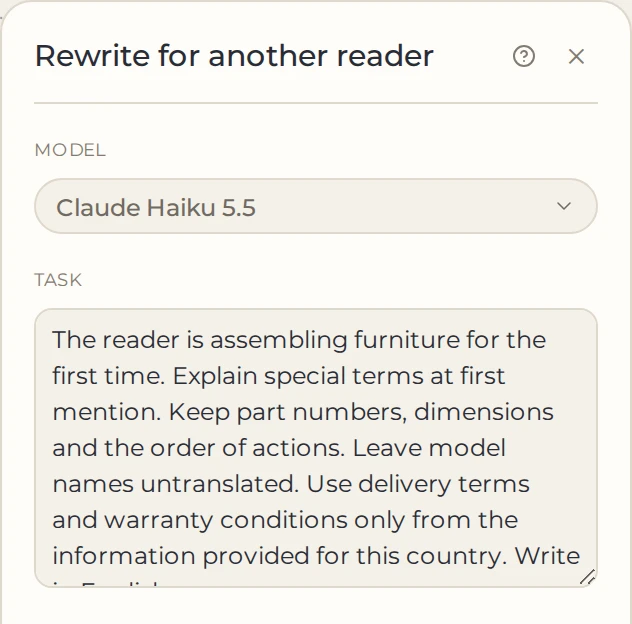
The reader is assembling furniture for the first time. Explain special terms at first mention. Keep part numbers, dimensions and the order of actions. Leave model names untranslated. Use delivery terms and warranty conditions only from the information provided for this country.
Add the real local conditions if they differ. The AI must not replace deadlines, support addresses or store rules on its own with assumed "typical for the region" options.
How to set up translation and adaptation
Pass the source text through "Data" or a selected "Document". To start, use one complete piece of material.
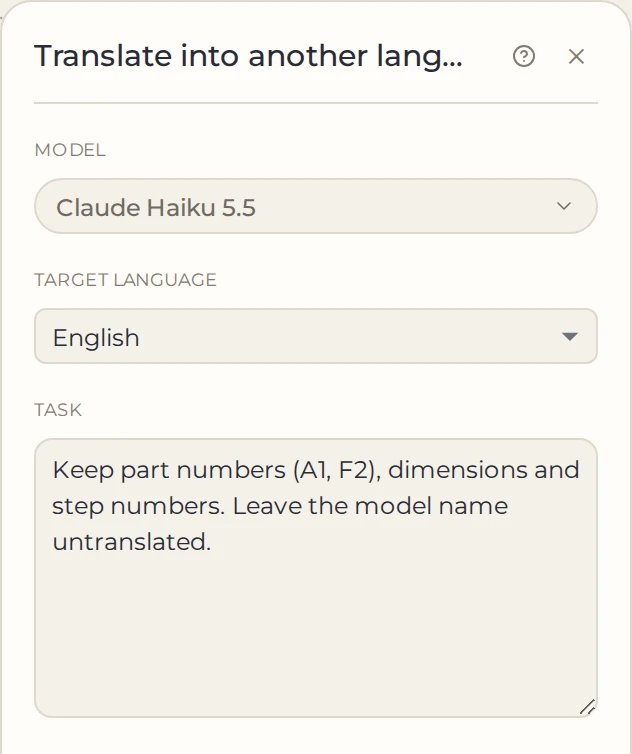
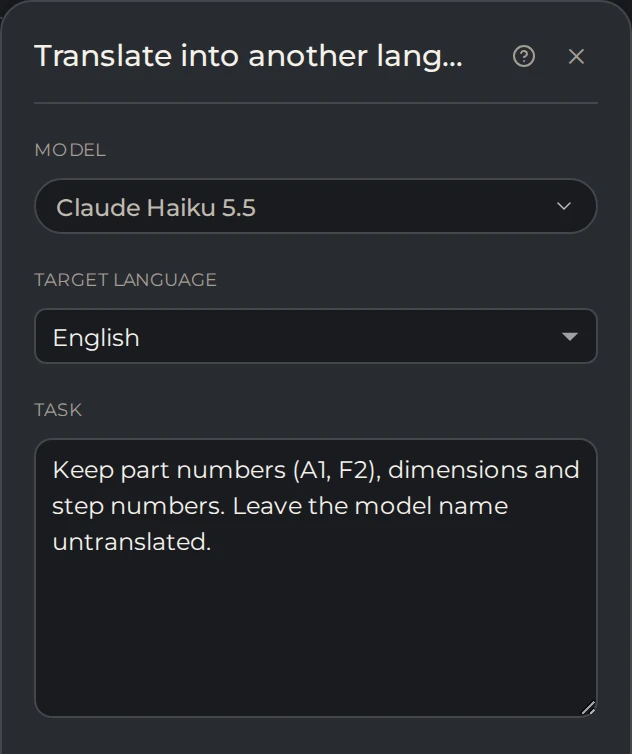
Add "Translate into another language" and connect it to the source. In the "Target language" field, explicitly select the target language. The interface language does not replace this choice.
 12
- 1Choose it explicitly
- 2Terms and names to keep
In the translation task, specify the terms, names and elements to keep. For example, a table that matches terms, units of measurement and how to address the reader.
Connect "Rewrite for another reader". In its task, name the audience, the knowledge level and the output language. Specify which explanations to add and which facts must not change.
 1
- 1Audience, level and what must not change
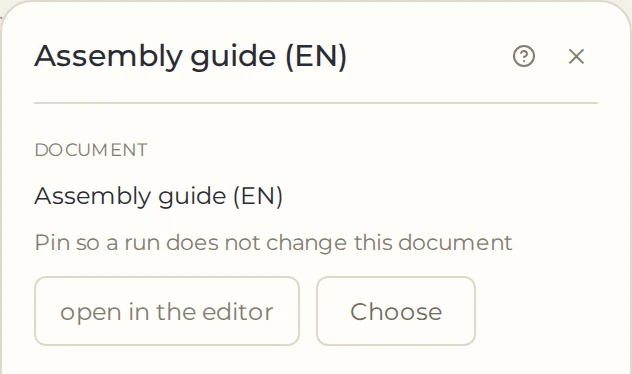
Save the result to a separate "Document" or "Folder". If needed, save the intermediate translation on a separate branch. It is easy to compare with the adapted version.
 1
- 1A separate document for the result
Run it. Check the numbers, names, links, sequence of steps and terminology. Then read the text as instructions for the selected reader.
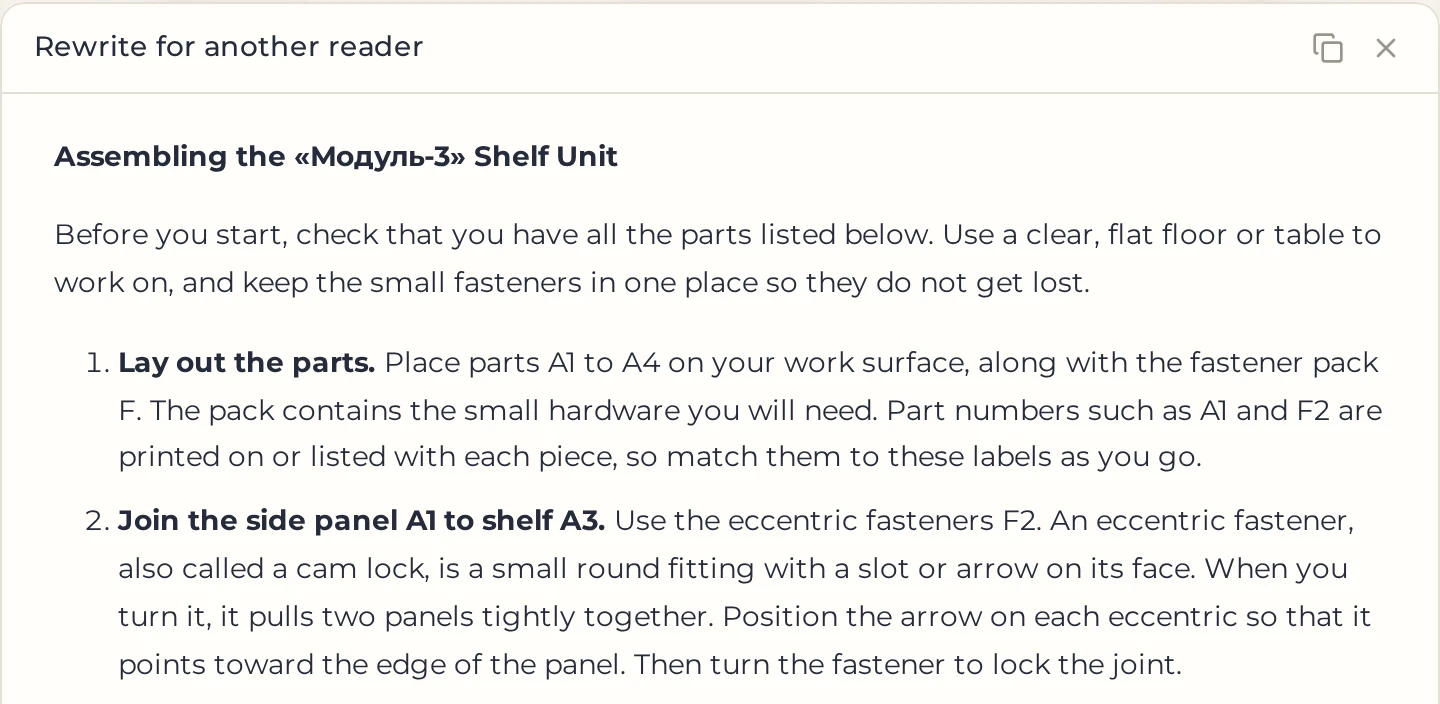
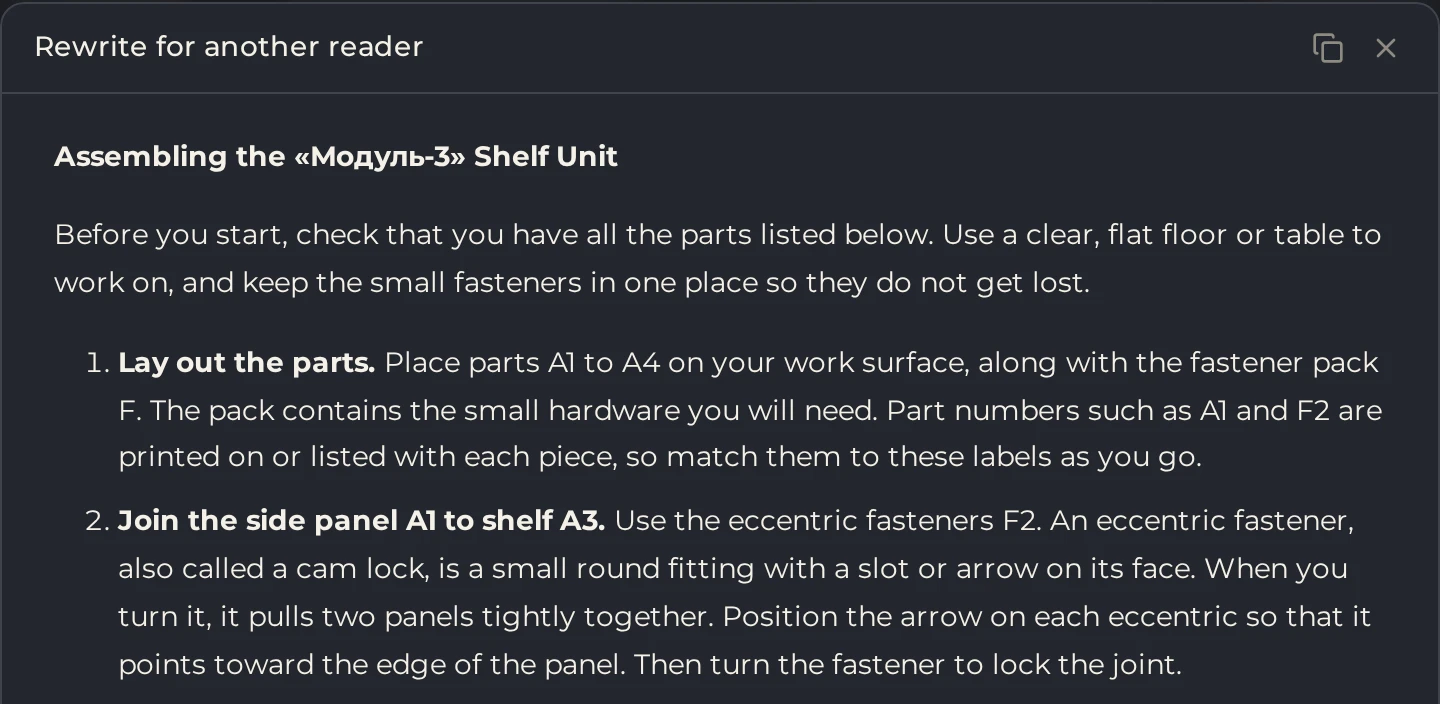 1
- 1Part numbers kept, the term explained
If you only need translation without changing the audience, end the chain after the "Translate into another language" card. The adaptation step is needed for a specific change in how the material is presented. It is not required for every translation.
Which requirements apply to which step
| Requirement | Where to set it |
|---|---|
| Target language | In the "Target language" field; repeat the output language in the rewrite task |
| Model names and specialized terminology | In the translation task, with a glossary if needed |
| Beginner, specialist, manager | In the "Rewrite for another reader" task |
| Real local product conditions | Pass as data for adaptation, specifying what exactly to replace |
| Level of formality | In the presentation requirements or the selected style, if one is used |
Adaptation can change the order of sections and the level of detail more than a simple change of tone. So for instructions with a required sequence, state explicitly that the order must not be changed.
What to check before you use it
In the source and the translation, check who performs the action, on which object, in what order and under which conditions. Pay special attention to negations, exceptions and limitations: a small language edit can change the meaning of an instruction.
If you asked for units of measurement to be converted, check the values separately. If there was no such task, the numbers should stay the same. Also check the working links and the names of parts and controls against the version of the product the new reader will see.
For the next material, replace the source text and keep the glossary, language and audience description. When you change the country, check the actual conditions again. Compare versions can help you find changes in meaning, but it does not replace language editing.
Translation and adaptation are separate requests to the models, and each one uses tokens. The result is saved in Kotia, and you publish the text in another language separately. If you need to translate other people's materials from links, use the recipe for translating foreign articles.