
Translate foreign articles and prepare material for your blog
Use foreign blogs as sources: pick an article, parse its text from the link, translate it into English and prepare your own publication for readers.
On this page5
Use foreign blogs as a source of ideas, explanations and facts for your own material. In Kotia, choose an interesting article, get its text through parsing, and translate it into English. Then review the content, pick out what is useful for your audience, and prepare your own publication based on the source.
You can reuse a configured workflow. For the next run, replace the link. The target language, terminology and article requirements will stay the same. This is convenient when you regularly work with foreign sources on the same topic.
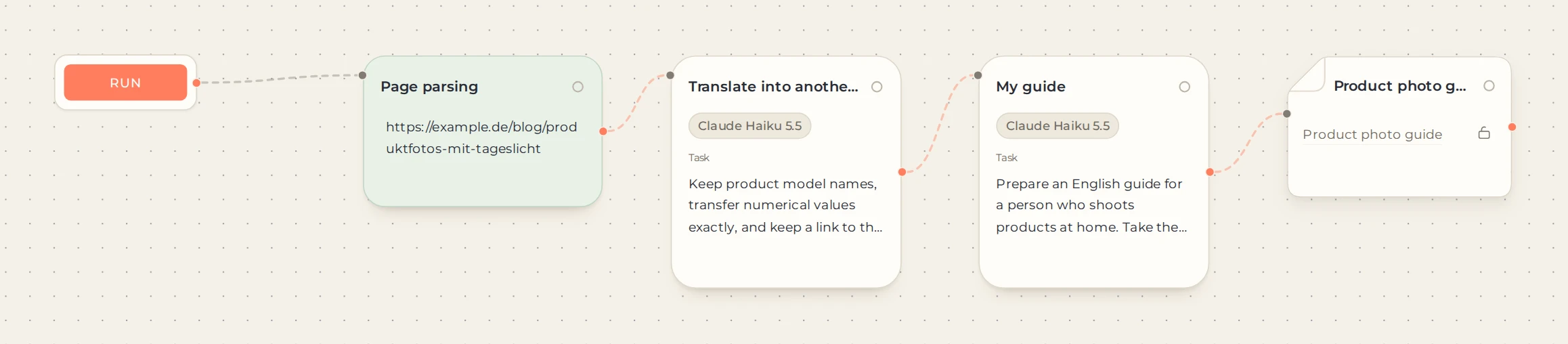
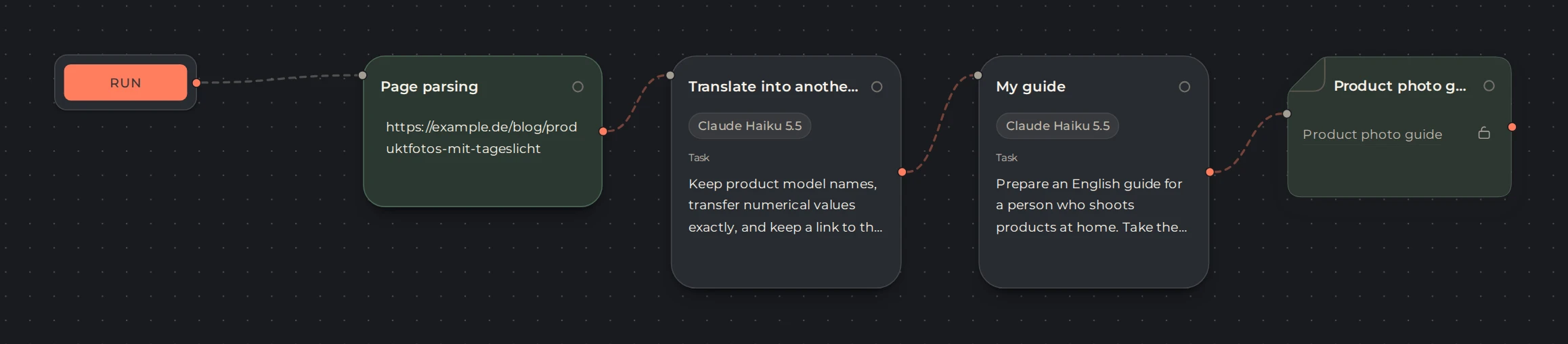 123
- 1The foreign article
- 2Translates
- 3Writes your own article
Example: explain foreign experience to your audience
Say you run a photography blog and found a German-language article about shooting small products in natural light. The translation will help you understand the method, and your own article will show how to repeat it with your equipment.
For the writing step, you can use this request:
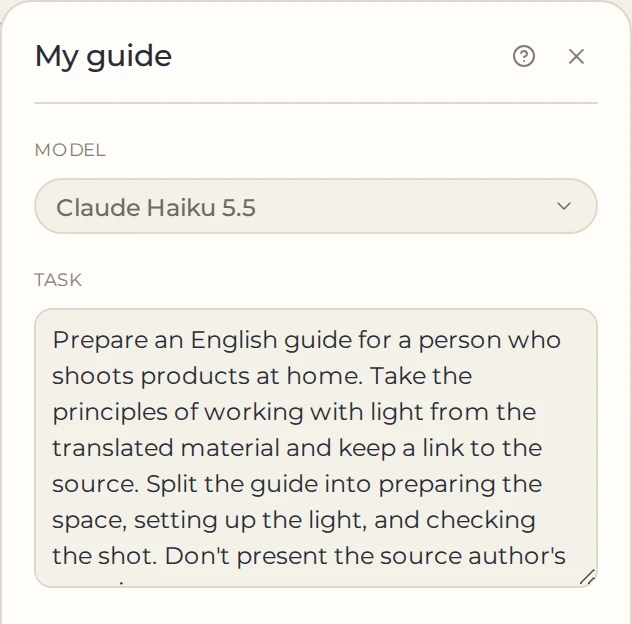
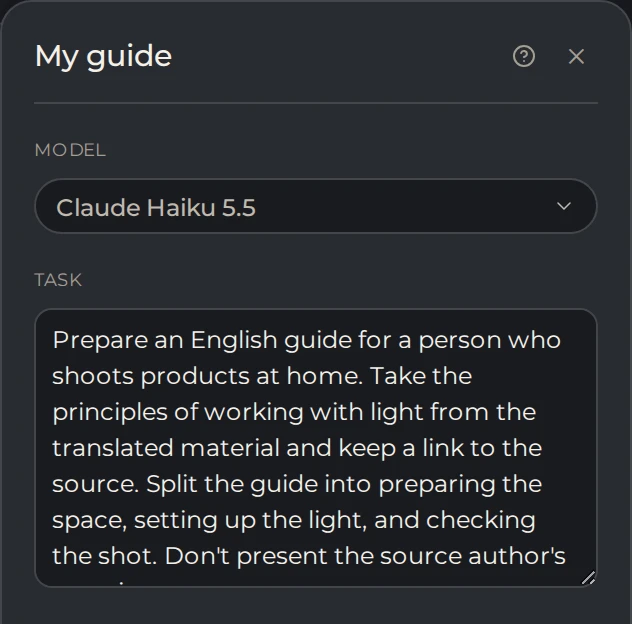
Prepare an English guide for a person who shoots products at home. Take the principles of working with light from the translated material and keep a link to the source. Add the equipment examples and shooting conditions I provided. Split the guide into preparing the space, setting up the light, and checking the shot. Don't present the source author's experience as my own.
If the article needs to cover your own product or service, add the relevant details to the writing task.
How to get and translate the selected article
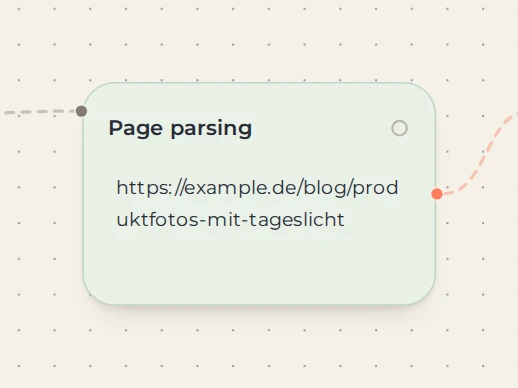
Add "Page parsing", enter the address of the foreign article, and place the card at the start of the workflow. For the first test, use one article.
 1
- 1The address of the foreign article
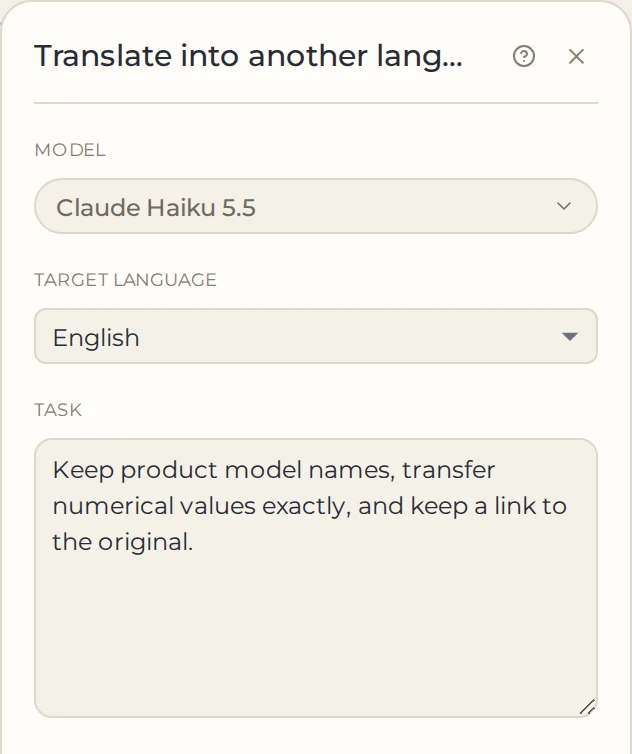
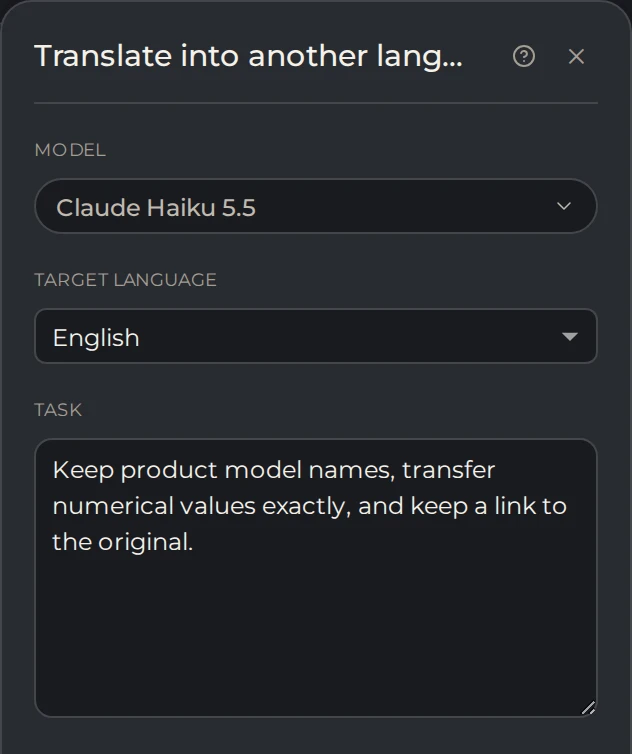
Connect the output to "Translate into another language". In the "Target language" field, select English.
 12
- 1Choose it explicitly
- 2How to handle terms and names
In the translation task, specify how to handle terms and names. For example, keep product model names, transfer numerical values exactly, and keep a link to the original.
Connect "Document" if you want to finish with the translation. If you need your own article, add a next "New step" with the audience, task and article requirements, and place the document after it.
 1
- 1Audience, task and requirements
Run the workflow and check the parsing result: did you get the full text you need? If only the summary was read, the translation will be limited to it too.
Compare the translation with the source for key terms, figures and conclusions. Then read your article and check what comes from the source, what you added, and whether the reader can tell where the line between them is.
If you need both a full translation for work and a separate article, save them in different documents. This is easier than making one final page serve as both the translation and a reworked guide.
How to find articles for future issues
Add "Site article list" for a foreign blog you like. It returns titles and links. You can use this list to pick sources manually or set up filtering by your topic.
You can enter the selected addresses in "Hand out one at a time": each run passes the next link to parsing. To get one article as output, only one link should go into parsing. If you pass many addresses at once, parsing will collect the texts together, and translation will process the combined material.
The queue marks a link as handed out before the next steps finish. If reading or translation fails, check the cause and, if needed, manually return the row to the queue.
What to keep from the source and what to add yourself
| From the source | For your own article |
|---|---|
| The link, the author's name and the context of publication | An explanation of why this material is useful to your readers |
| Figures, limitations and conditions of the method | Your own examples with clearly stated conditions |
| The meaning of specialist terms | Clear explanations for your chosen audience |
| The limits of the author's conclusions | Caveats about how well it applies to your situation |
Don't replace the source author's name with your own, and don't present the translation as your own research. If you plan to publish someone else's text in full, the question of whether you are allowed to use it must be settled separately from the technical translation.
If the page can't be read or the translation is inaccurate
If the page is unavailable, paste the text you have into "Data" and send it straight to translation. Don't ask the next step to reconstruct the text of a closed article from a single headline: you'll get a guess, not an analysis of the source.
If terms are translated inconsistently, add a glossary and repeat the translation using the saved text. If the facts need checking, use source comparison or fact-checking. A translation alone doesn't confirm that the information is current.
Parsing and model work for translation and writing is charged. Run each additional step for a specific task: a translation is enough to read the source, while publication requires a separate original article and a check of the result.