
Comparing AI models for writing: test them on your own task in Kotia
Test two AI models on the same task in Kotia. Check facts, constraints, number of edits and cost, then choose the model that suits your writing work.
On this page5
Kotia lets you test several models on the same task and choose the one you prefer for preparing texts. The main criterion is whether the result is usable: whether the facts are preserved, whether the conditions are met, and how many edits it takes. If you work with a model regularly, also consider the cost of the entire path to a finished piece.
This approach is useful for recurring tasks: product descriptions, emails, posts, or editing articles. A model that writes short announcements well may handle a long document with complex constraints differently.
Take a typical example from your work
For comparison, a small real task with checkable conditions works best. For example, an announcement for a workshop based on your notes:
Write an announcement for the Telegram channel of a ceramics studio, up to 900 characters. The workshop is on October 24 at 3:00 p.m., lasts 2 hours, costs 2,500, and materials are included. No experience needed. After the session, the piece stays in the studio for firing, and it will be ready in 3 weeks. Use a formal tone and a calm style. Do not promise that the participant will take the finished piece home on the day of the session. Do not make up an address, a discount, or the number of spots. End with a sentence asking people to contact the studio to sign up.
Replace the sample data with the facts of your own task. In such a task, it is easy to check dates, costs, and conditions, even if the text sounds convincing at first glance.
Test the first model
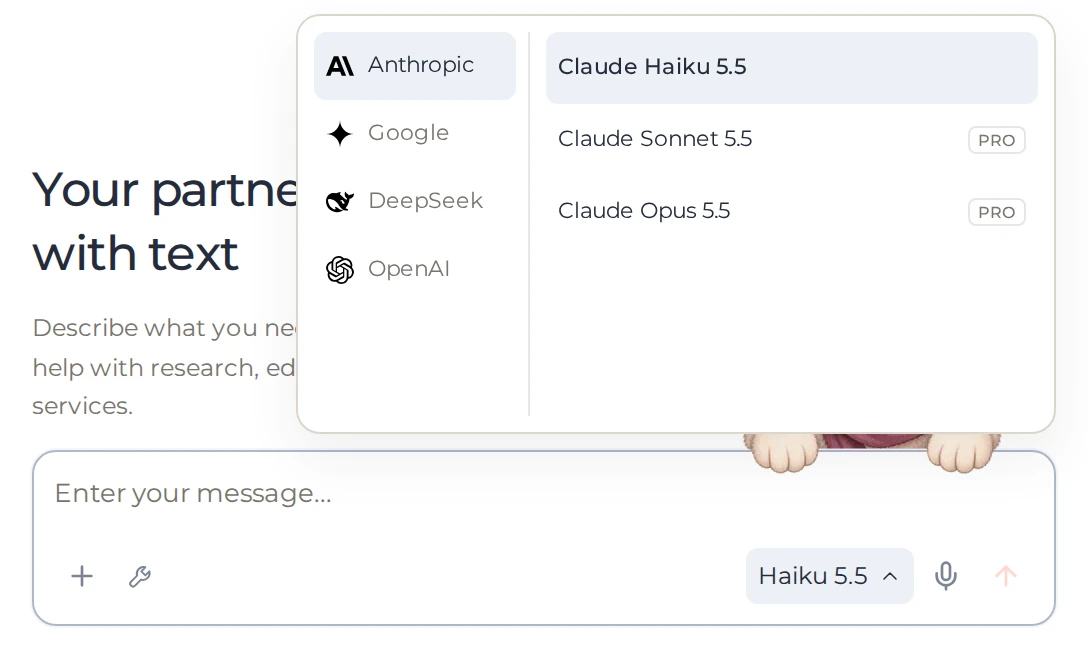
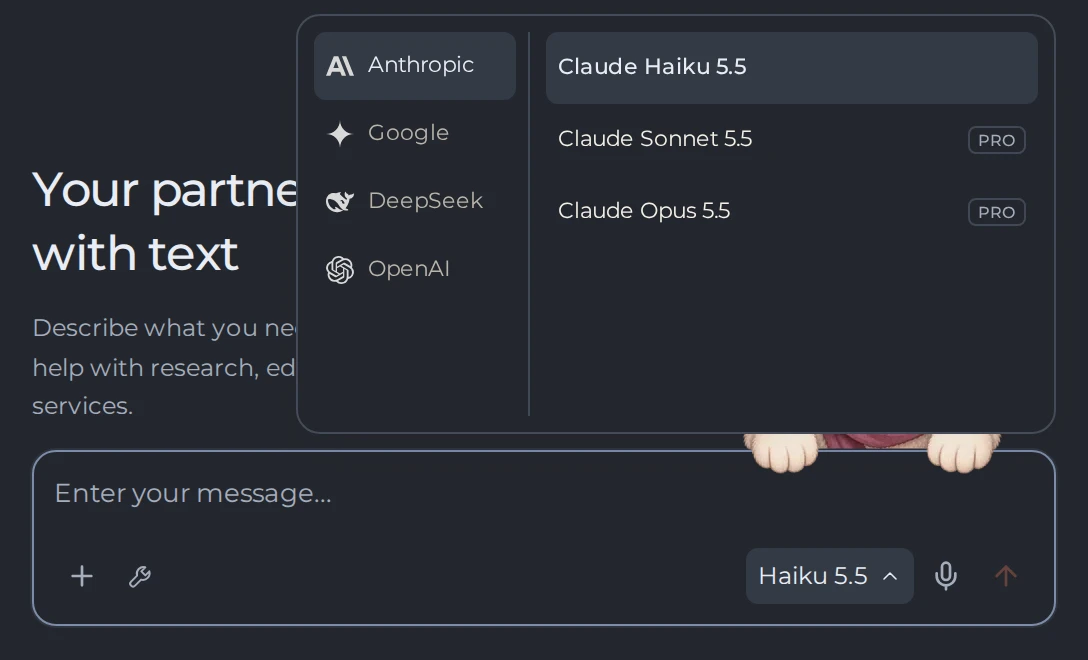
Create a new chat and select an available model next to the input field.
 123
- 1The current model
- 2Providers
- 3Available models
If the task includes a PDF or images, first check whether the model supports them: on the "Models" page, the "Files" column should say "Images, PDF, text".
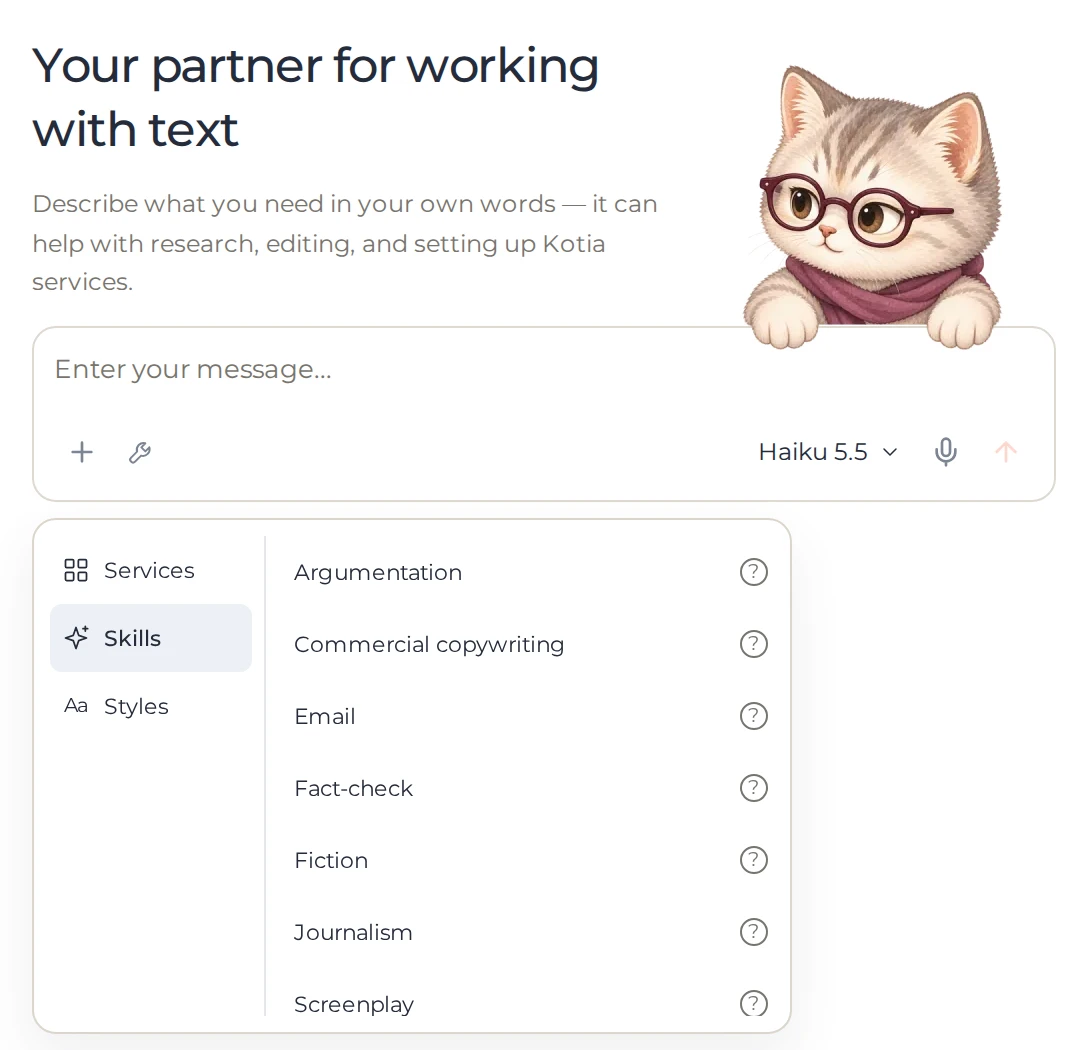
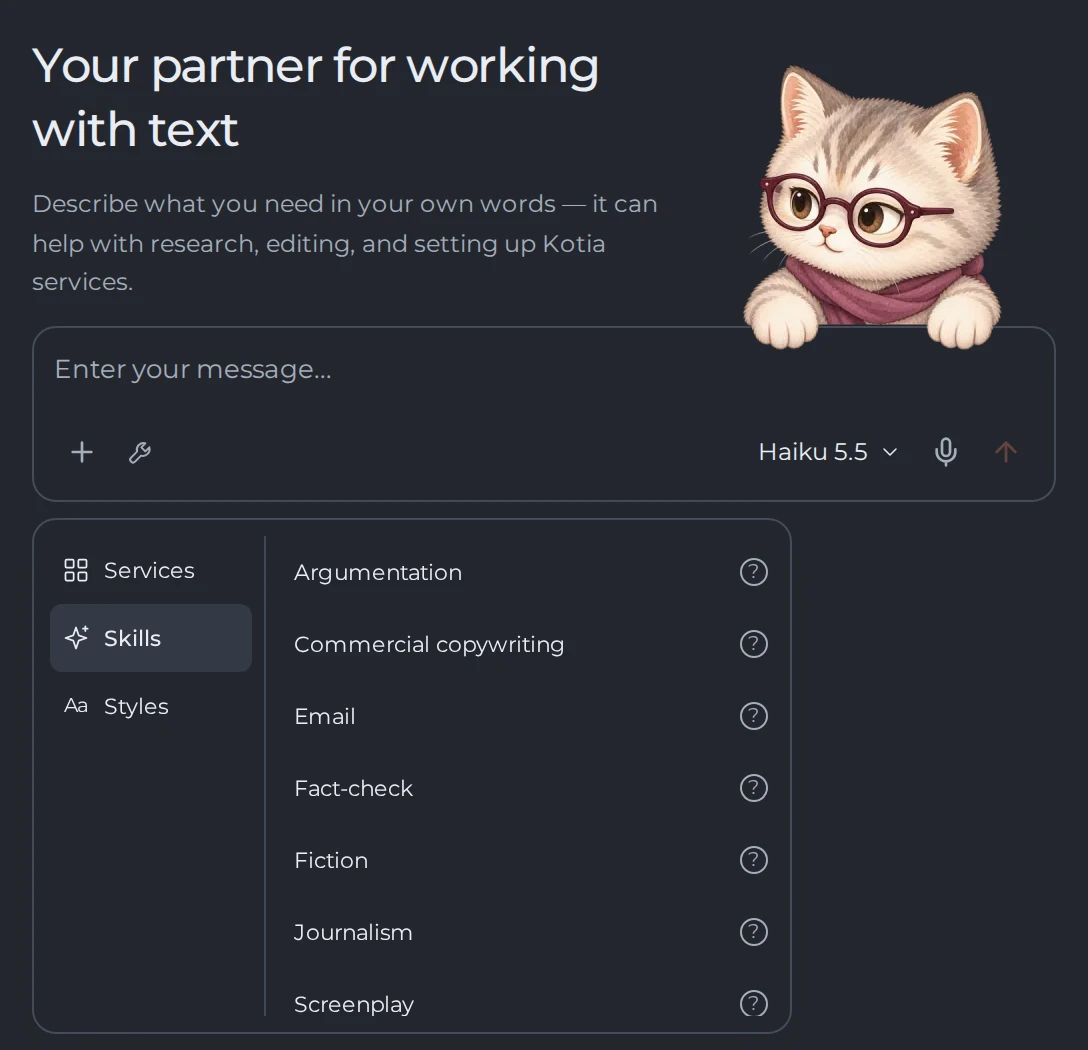
Use the style, skill, and requirements you plan to work with going forward. Write them down so you can repeat the same conditions later.
 123
- 1Skills
- 2Styles
- 3Choose a skill for the conversation
Provide the source material and the request, then send the message.
Save the response and note which edits were needed.
If the response needs refining, describe the specific edit you want. Weigh the result together with the extra cost of refining it.
Compare with another model
Open another new chat, select the second model, and provide the same request and source material. Check that the style, skill, and requirement settings are the same: the style and your account's persistent memory apply in both chats on their own, while a skill belongs to the conversation — select it again in the new chat.
A new chat is needed so the second model does not build on the first model's finished response and your comments on it. In regular work, you can switch models within a single conversation, but then the comparison conditions will differ.
Criteria for evaluating the response
| Criterion | What to check in the announcement example |
|---|---|
| Accuracy | The date, time, cost, and the finished piece's ready date are preserved |
| Completeness | Readers understand what is included and whether experience is needed |
| Compliance with constraints | No made-up address, discount, or promise to take the piece home right away |
| Delivery | The text fits the channel's voice and reads naturally |
| Length | The announcement stays within the specified limit |
| Revisions | How many specific corrections were needed before publishing |
| Cost | How much the initial response and the necessary refinements cost |
For actual charges, check your balance history. A subscription gives access to additional models, but their requests do not become free because of it.
How to use the comparison results
If both models produce usable text, choose based on cost and how easy the text is to revise. If one preserves the facts better, that may matter more than the other's more expressive opening.
Check your chosen option on another typical piece of material as well: a good response to one announcement does not describe all of your work. You don't need to repeat this test before every message. Save a suitable request and use the chosen model for that type of task. Return to the comparison when your requirements or the available models change.
For how to switch models and how their limits differ, see the model selection guide. In workflows, the required model is set separately, on the corresponding card.