
Prepare a series of blog articles from a list of topics in Kotia
Send Kotia a list of 2 to 20 topics with shared language, length, style and requirements. Track each article's status and open results as they finish.
On this page7
Prepare a series of blog articles in one order: give Kotia a list of topics and general requirements for the posts. For each topic, the service finds sources, drafts an outline, and writes a separate text. Language, length, and style are set once for the whole package.
A package contains from 2 to 20 articles. Each one has its own sources, status, and result, so you can review finished articles while the others are still running. A package suits a content plan you have already chosen. A standing queue of topics is set up separately in workflows.
Example: three articles for a pottery studio blog
For a pottery studio's blog, you can prepare articles on caring for dishes, the differences between handmade and factory-made ceramics, and choosing a ceramic gift, all in one order.
Create a package of three articles: "How to Care for Ceramic Dishes", "How Handmade Ceramics Differ from Factory-Made Ceramics", "How to Choose a Ceramic Gift". Each should be about 2,000 words, in English. Write for a buyer with no specialist knowledge. Use sources for technical claims, and don't invent properties of our products.
The result is three standalone articles with the same shared settings. You can review and prepare them for publication as each one is ready.
How the package works
After you confirm, Kotia creates a separate job for each topic in the list. Each article goes through generation: the service searches for sources, prepares facts and structure, writes the text, and edits it. The package groups the launch and tracking of these jobs, but it does not replace them with one combined response.
Because of this, articles can be at different stages: one is ready, another is running, and a third is queued. You don't have to wait for the whole series to open a finished article. An error in one article does not delete the results of the others.
For a single text, use regular article generation. For a series, choose a package if all its articles fit the same settings.
What you set for the whole package
| Setting | How it works |
|---|---|
| Topic list | One topic, one standalone article |
| Language | One language for all articles in the package |
| Length | A target for each article, up to 5,000 words; this is not the combined length of the series |
| Writing style | One manner of writing for the whole package: a style description, a built-in option, or your saved style |
| Requirements | Shared content conditions for all articles: audience, required elements, restrictions |
For example, a length of 2,000 words for four topics means four articles of roughly that length. The service does not split 2,000 words across the four results.
Shared settings help keep the series consistent. If one article needs to be in English and another in German, or they need different styles, place separate orders. A package does not have its own set of settings for each topic in the list.
How to order a package in the conversation
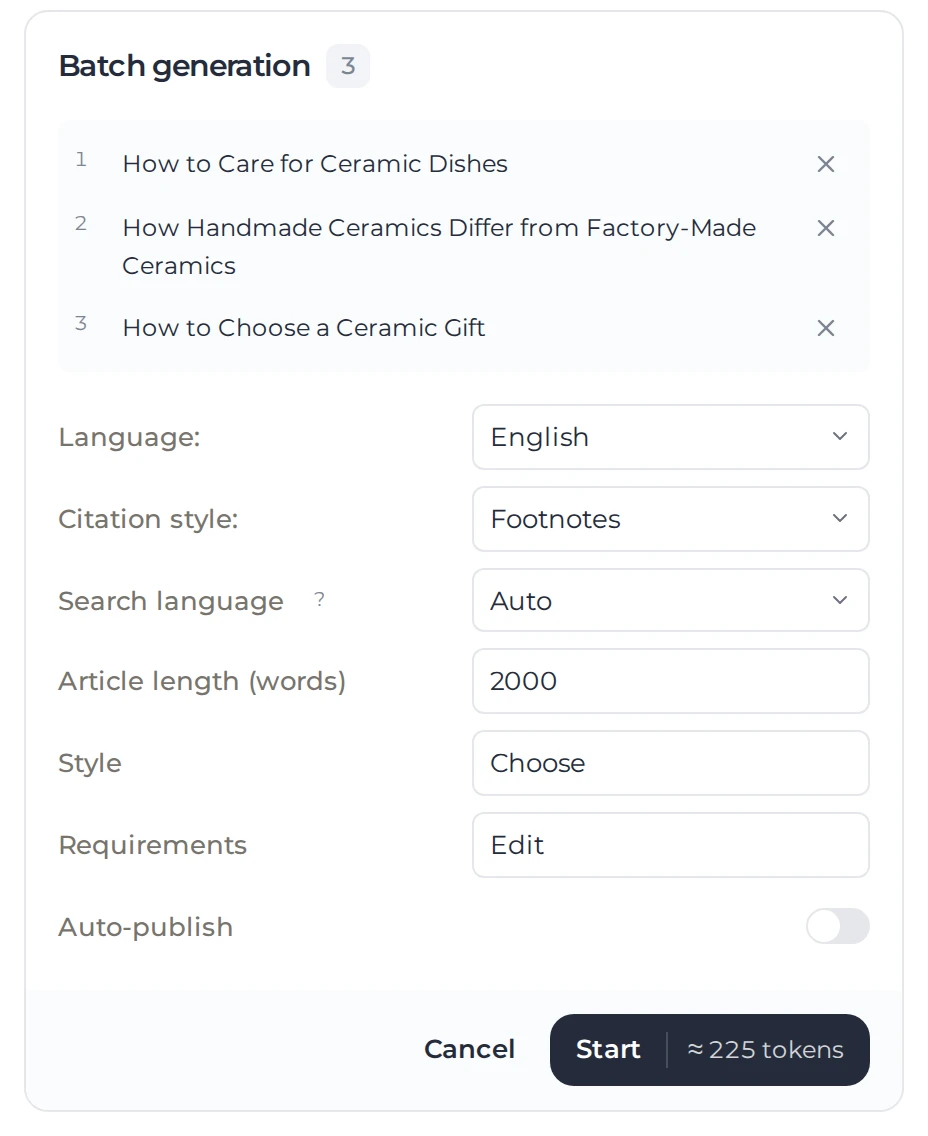
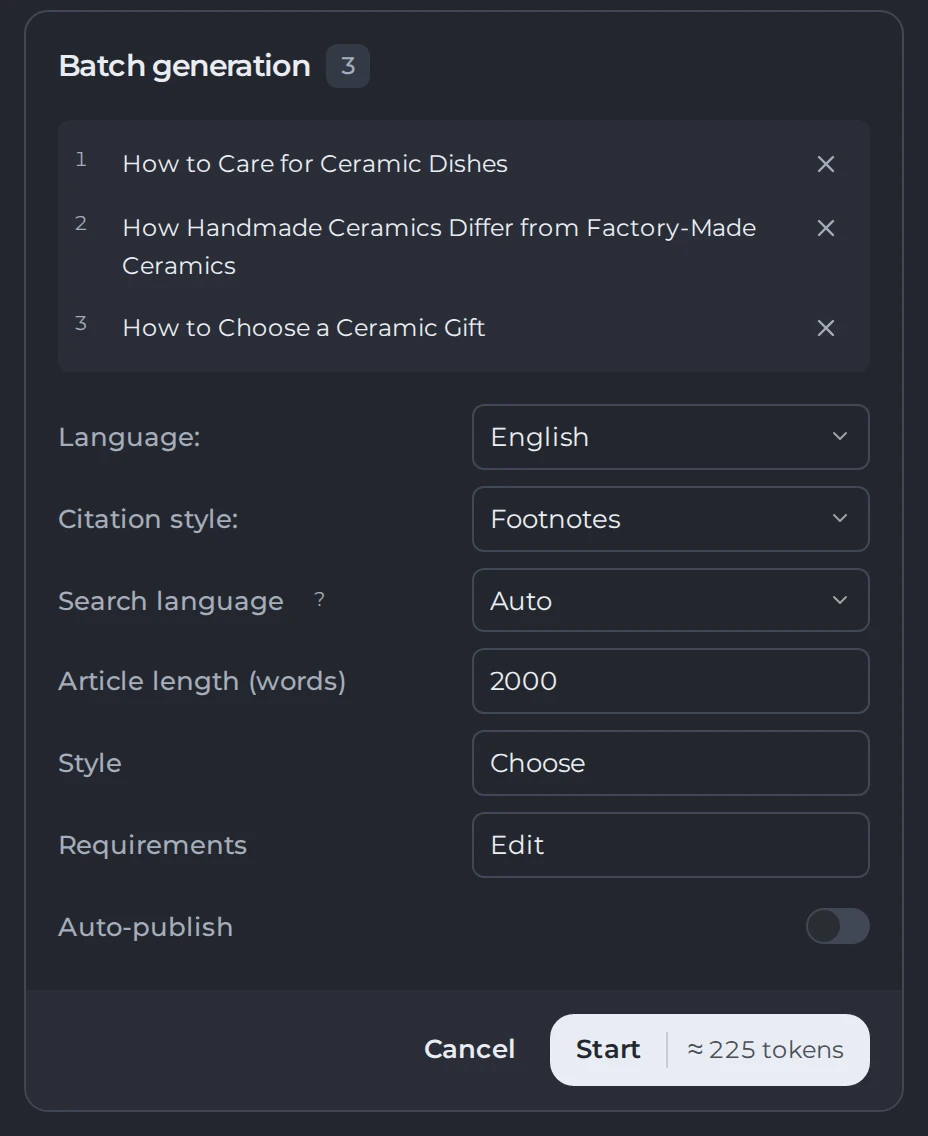
Kotia prepares a confirmation card for the package. It lists the topics, the settings, and a cost estimate. Before you launch, you can edit the wording and remove topics you don't need. After you change the number of topics, check the new total.
 123
- 1One topic, one article
- 2Shared settings
- 3Estimate and launch
- Check that all the topics you need are listed separately in the card.
- Confirm the shared language, length, style, and requirements.
- Review the estimate for the whole package and confirm the launch.
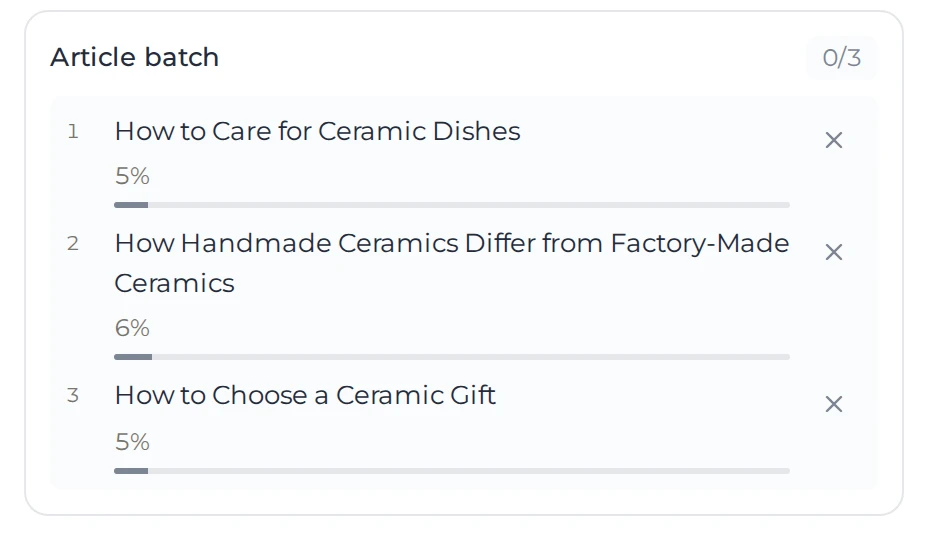
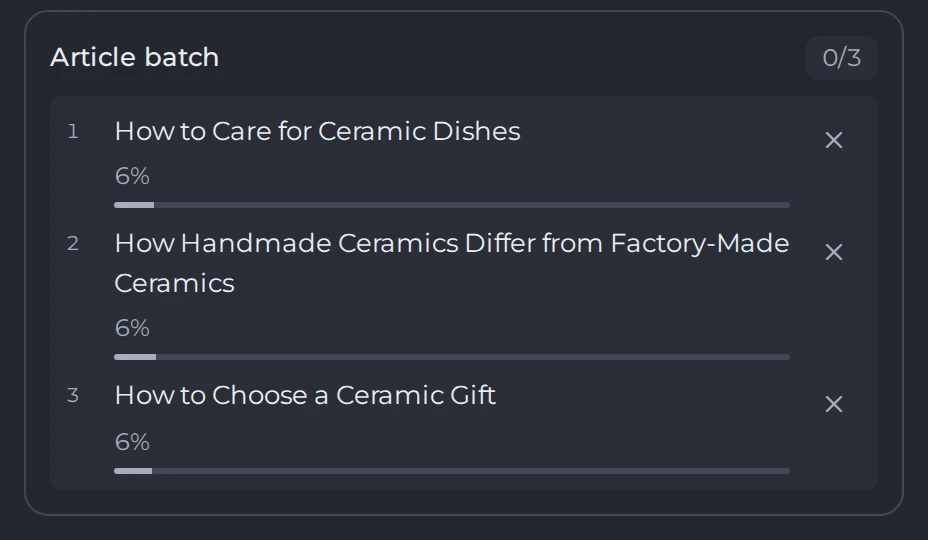
- Track the status of each article and open the results as they finish.
 123
- 1Articles done out of the package
- 2Progress of each article
- 3Cancel an article
If only one topic is left after you remove the others, place it as a regular article order. Blank lines don't count as topics.
Where to find results and what statuses mean
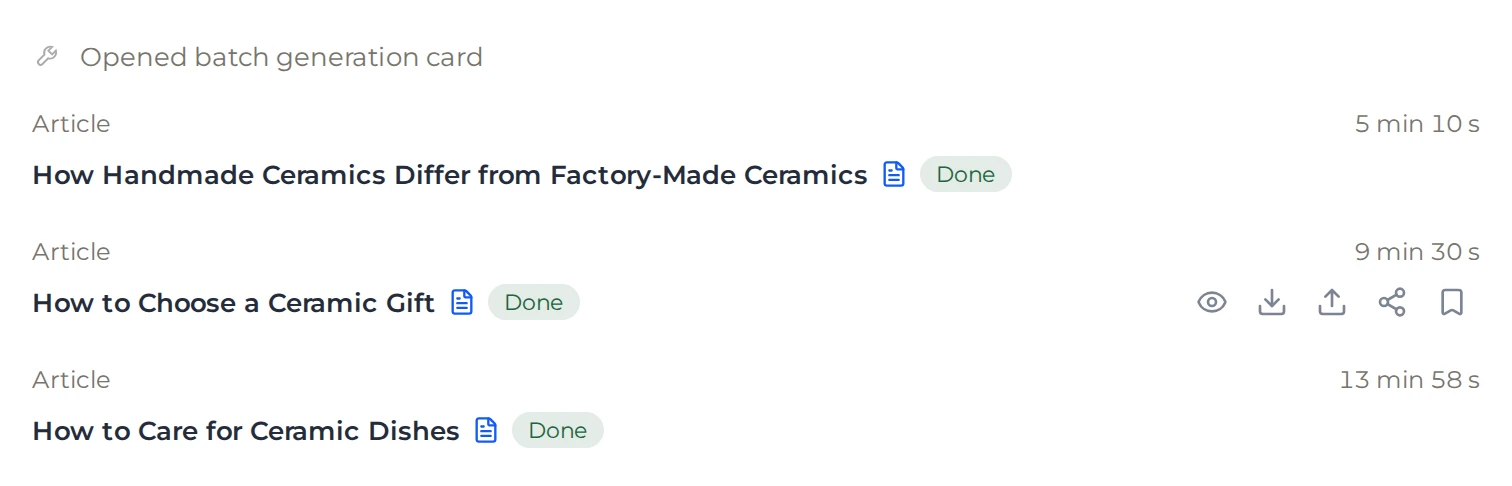
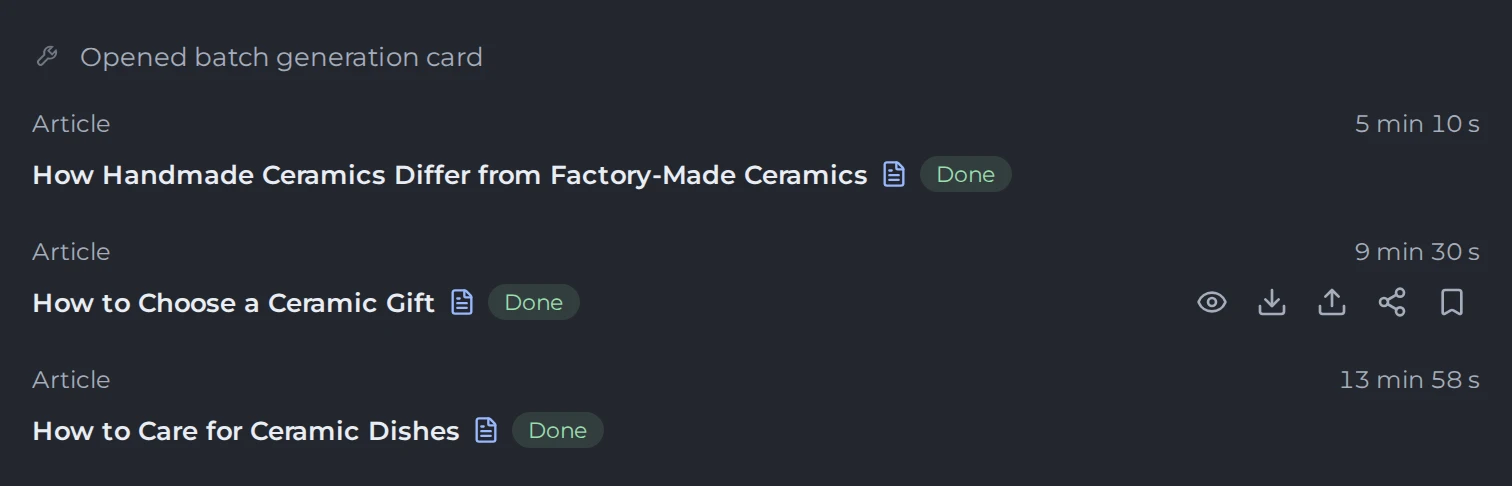
Finished articles are available in the conversation and in content history. You can open each article, download it in the format you need, or refine it on its own. The package does not combine the articles into one file that you have to edit as a whole.
 12
- 1Each article and its status
- 2Open, download, publish or share
| Status | What happens |
|---|---|
| Queued | The article has been created as a job but has not started yet |
| In progress | Kotia is preparing this article |
| Ready | The result can be opened and used |
| Error | The job did not finish. Before you restart the topic, check the message and the charges |
| Cancelled | The job was stopped. This is not a finished article |
The package's overall status may show partial completion. In that case, check the list of articles: finished articles remain available. You can order a missing topic separately after checking its status. You don't need to send the whole list again.
What happens when you cancel
Cancelling the package removes the articles that are still queued. It does not stop articles that are already in progress; cancel those separately. Finished articles are kept.
Jobs that were cancelled before they started get their preliminary charge refunded. The transactions appear in balance history. A package status of "cancelled" does not mean that all articles stopped at the same stage or that the full amount was refunded.
How cost is calculated
The initial estimate is calculated as 75 tokens per article multiplied by the number of topics. After generation, the cost is updated for each article. The package saves repeated steps when you place an order, but it does not combine several generations into one paid job.
Discussing things with the assistant and later refinement are charged separately. You can run only one article or package generation at a time. Start a new order after the current job finishes.
The package creates the articles but does not publish them automatically or put them on a schedule. Publishing is a separate step that you take after you review the finished articles.