
Refine an AI-written article in the Kotia editor
Refine an article Kotia wrote: add your project data, edit sections with AI, format the text and check facts before you publish it.
On this page5
You can refine the article Kotia has written in the editor next to the chat: add your project data, change individual sections, and prepare the material for publishing. There is no need to order the whole article again just to change a few paragraphs. The assistant suggests edits directly in the document, and you choose which ones to keep.
For example, the service prepared an article about choosing wall shelves for a store. The basis is fine, but the text needs real sizes from the catalog, the unsuitable mounting method removed, and assembly conditions explained. The steps for refining it are described below.
Open the article and prepare your copy
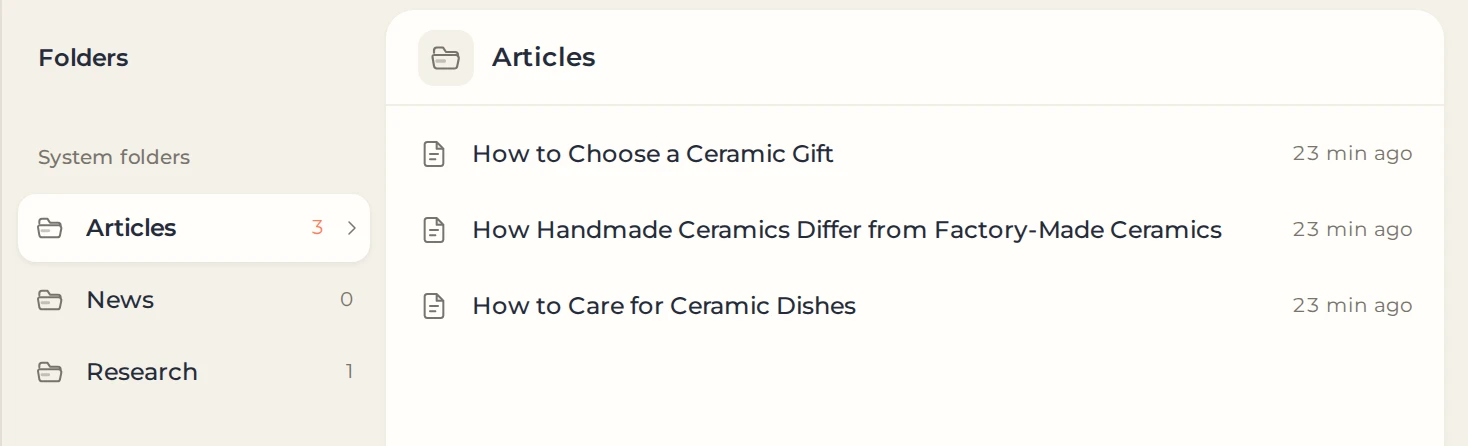
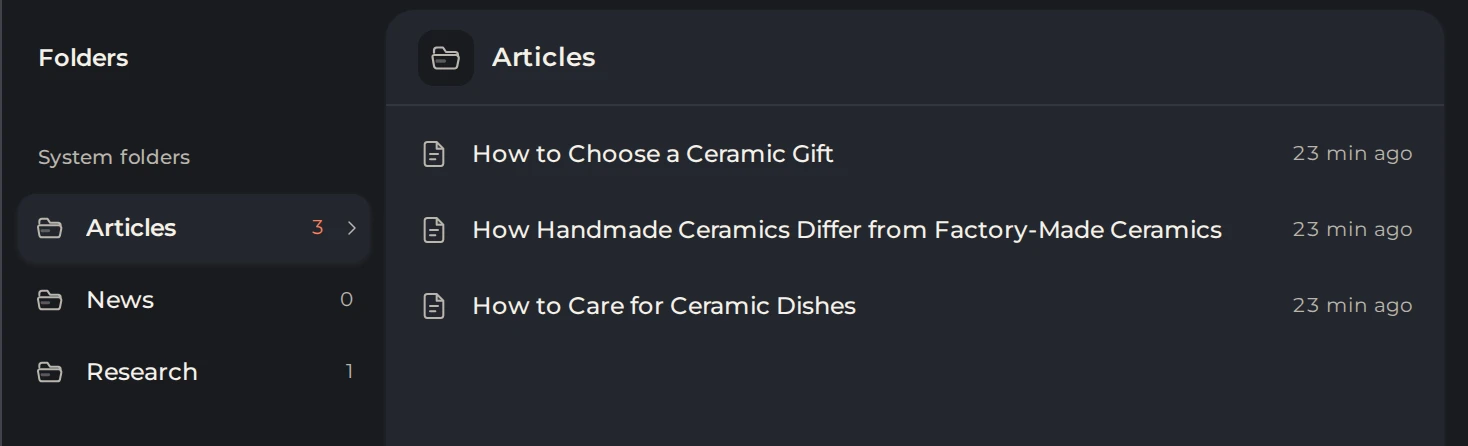
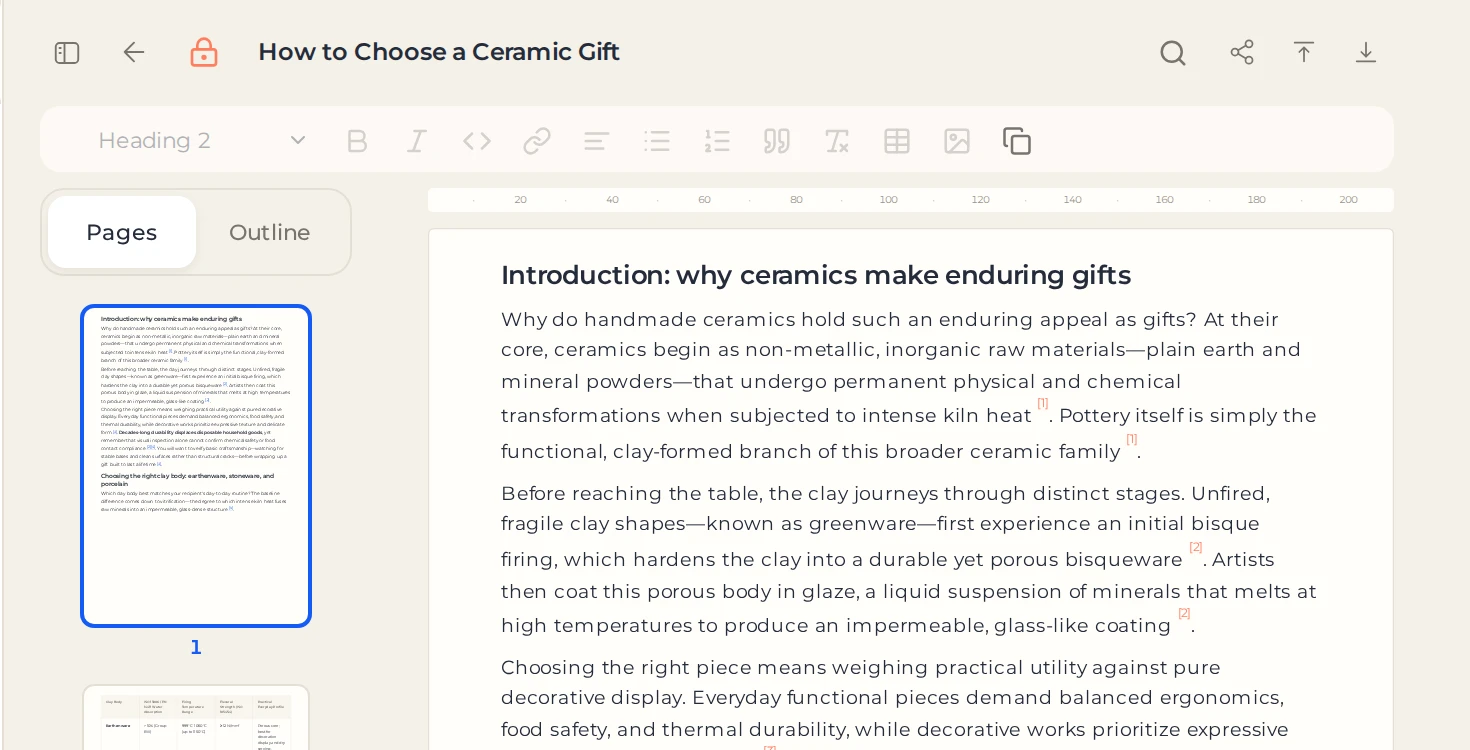
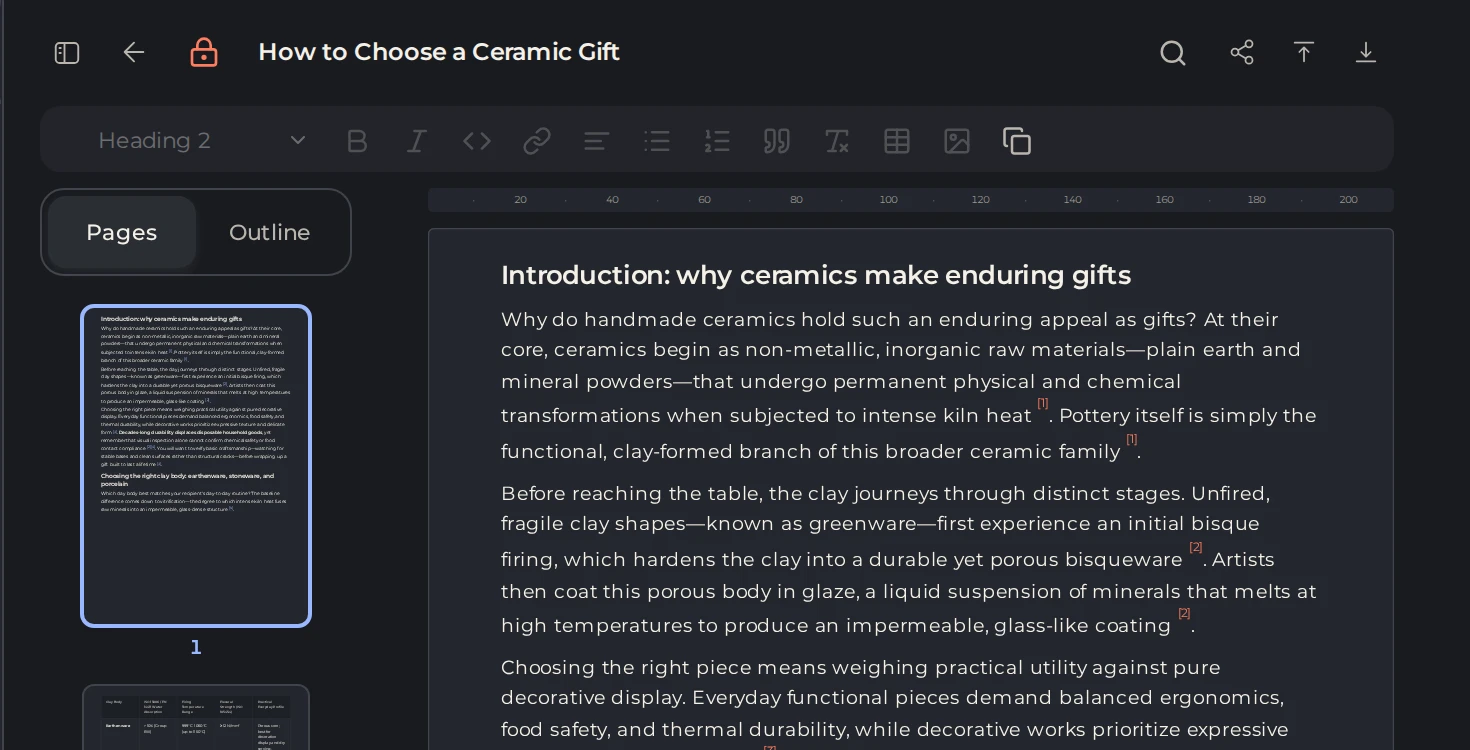
On your computer, go to the Workspace and open the material in the articles folder. The service's output is saved as the original, and changes are made in an editable copy.
 12
- 1Articles folder
- 2Articles from Kotia
 1
- 1Original: click to edit a copy
Start editing, or ask the assistant to change the open material. Keep working in the copy you created. Give it a recognizable name, for example "Wall shelves — article for a store", and if needed, move it to the project folder.
Add information that is missing from the original article
First, check the data the reader's decision depends on: specifications, terms, prices, dates, links. If you need information about your project, provide it to the assistant yourself. Do not ask it to guess the product range or delivery terms.
Example task with sample data:
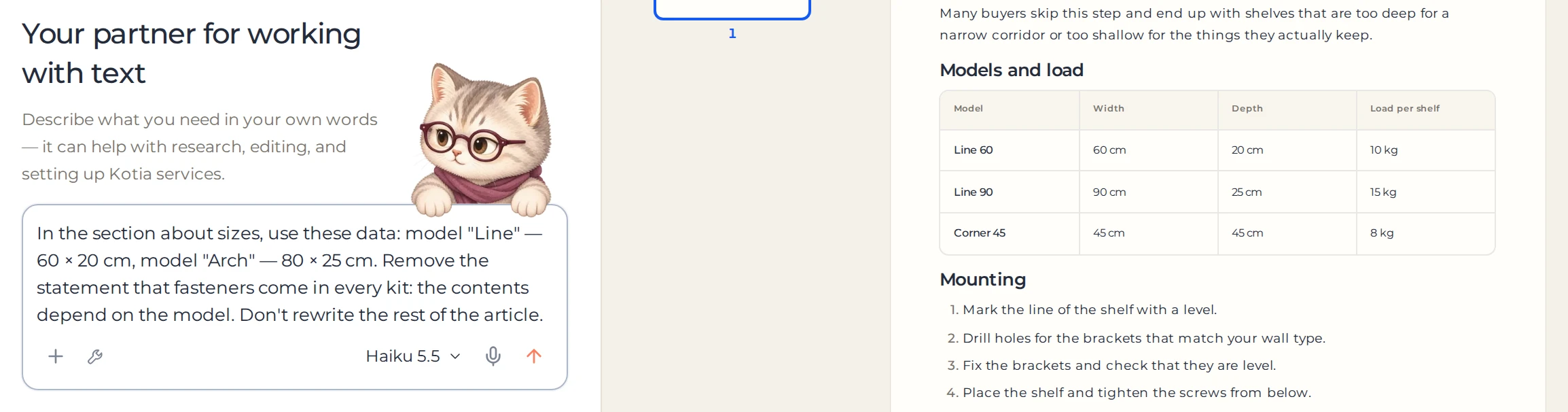
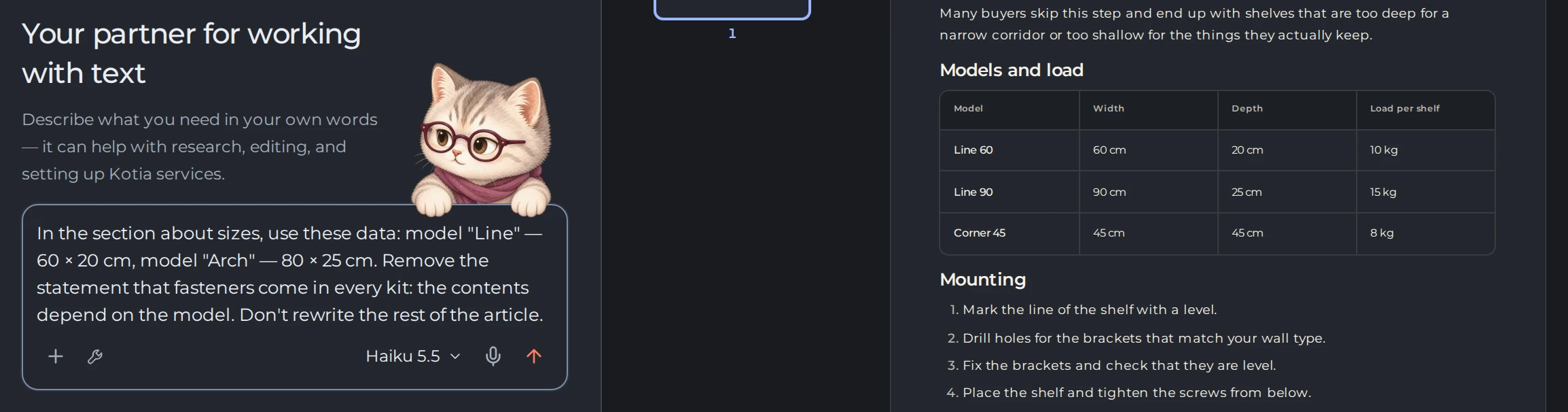
In the section about sizes, use these data: model "Line" — 60 × 20 cm, model "Arch" — 80 × 25 cm. Remove the statement that fasteners come in every kit: the contents depend on the model. Don't rewrite the rest of the article.
 12
- 1Your request with the data
- 2The article it changes
In your own request, insert the real specifications. Once you get the response, check the numbers and terms against the source.
Fix specific passages
| What needs to change | How it's easiest to set up the work |
|---|---|
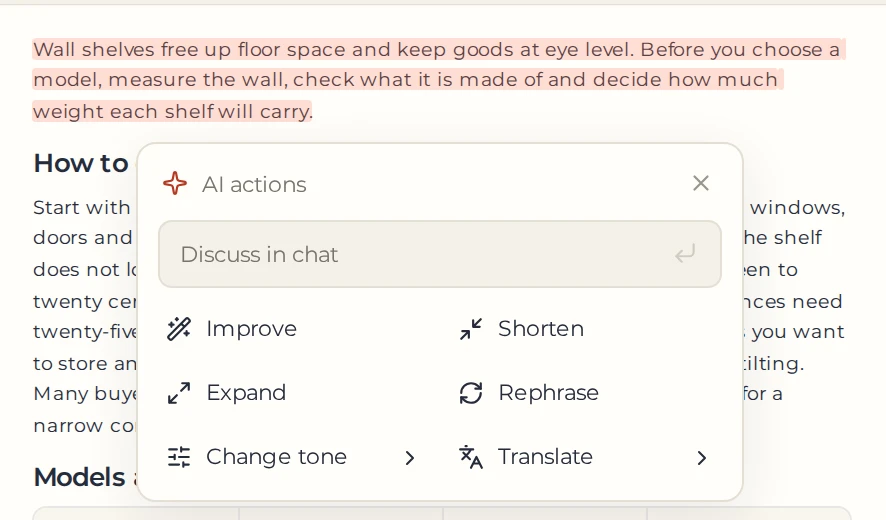
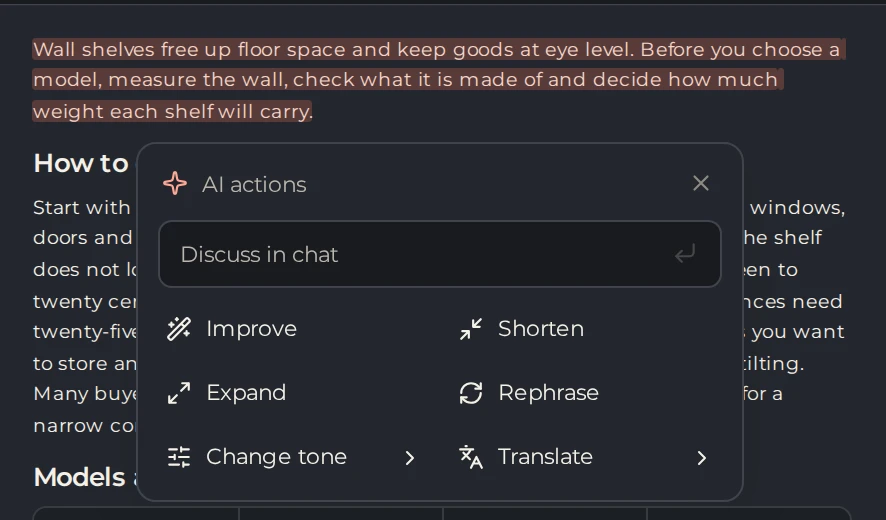
| One long paragraph | Select the paragraph and choose "Shorten" |
| A complex explanation | Select the passage and ask for it to be rewritten for the intended reader |
| Several sections | List them in the chat and describe the changes for each one |
| Repetition throughout the article | Run a suitable task from "AI tools" |
 123
- 1Selected paragraph
- 2AI actions
- 3Shorten
For each edit, say what needs to stay. For example: "Simplify the section on fastening, but keep all the restrictions on wall type." Review the suggested insertions and deletions: accept the ones that fit, or ask for a different version.
Format the material for reading
- Apply heading styles to the sections so the structure appears in the document navigation.

 12345
- 1Heading styles
- 2Numbered list
- 3Insert link
- 4Insert table
- 5Insert image
- Turn the installation sequence into a numbered list.
- Put the specifications of several models into a table.
- Add links to the relevant products and instructions.
- Insert your own illustrations and explanatory captions if they are needed for publication.
All of these elements are available in the text editor. When you finish checking the facts and formatting, save a named version.
Review the material before handing it off
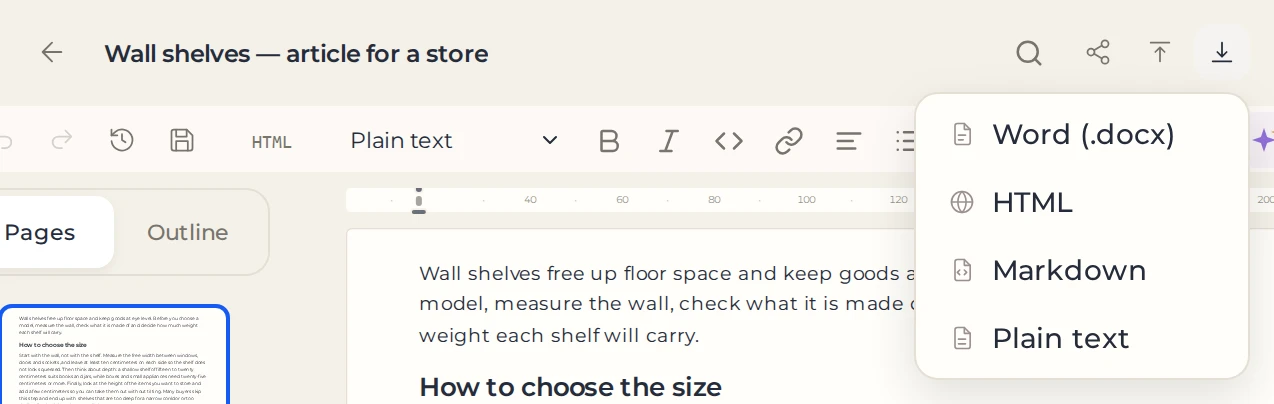
After all the changes, read the article from start to finish. Check that no idea is repeated, that the terms don't contradict each other, and that the actions are clear to the reader. Go through the remaining AI suggestions and download your copy in the required format. Open the file or preview it in your publishing system and check the formatting once more.
 12
- 1Download as…
- 2Word file