
Your Kotia account: tokens, subscription, history and files
Check your token balance, manage your Pro subscription, find content history and free up file storage in your Kotia account. A guide to each section.
On this page3
Your Kotia account brings together your materials, balance and settings. There you can check how many tokens you have left, top up your balance, manage your subscription and find files from conversations. Finished articles, research and other results are saved in content history, and you can return to them without ordering again.
For example, you wrote an article on your computer, and later you opened Kotia on your phone. Log in to the same account: the article will be in your content history, the costs for it will be in balance history, and attached files will be in the "Storage" section.
Where to find what you need
| What you need to do | Where to go |
|---|---|
| Start using Kotia or recover your login | Sign up and log in |
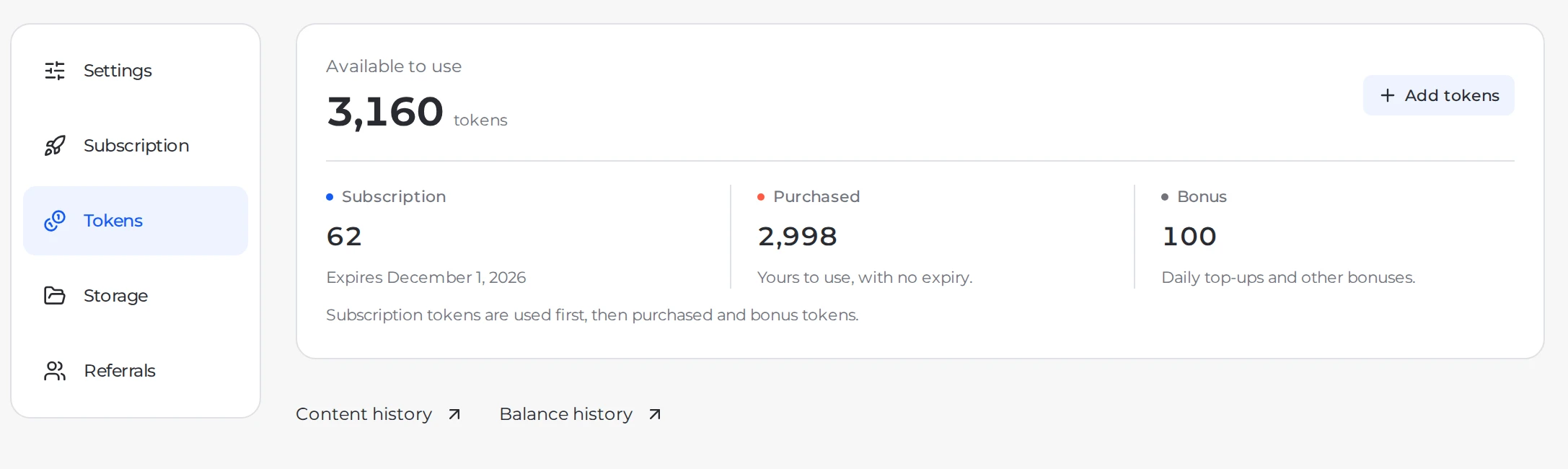
| Check your balance and how tokens are deducted | Tokens |
| Pay for extra work from services | Token packages |
| Open models and scheduling | Pro subscription |
| Sort out a payment or request a refund | Payment methods · Refunds |
| Find a finished article or research | Content history |
| Check a charge or credit | Balance history |
| Download attachments and free up space | File storage |
| Change the menu language or theme | Account settings |
| Get bonuses for invitations | Referral program |
How to open the account section you need
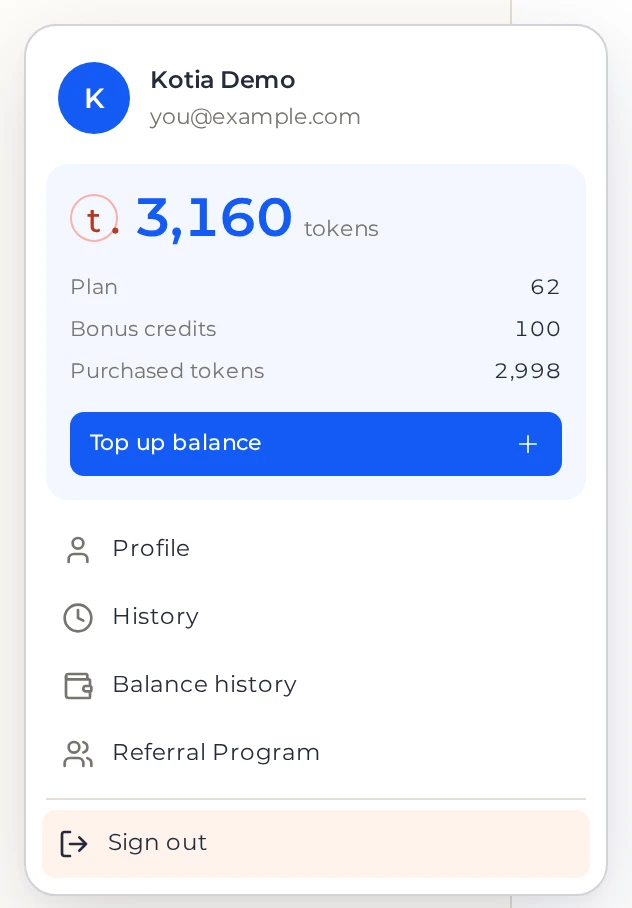
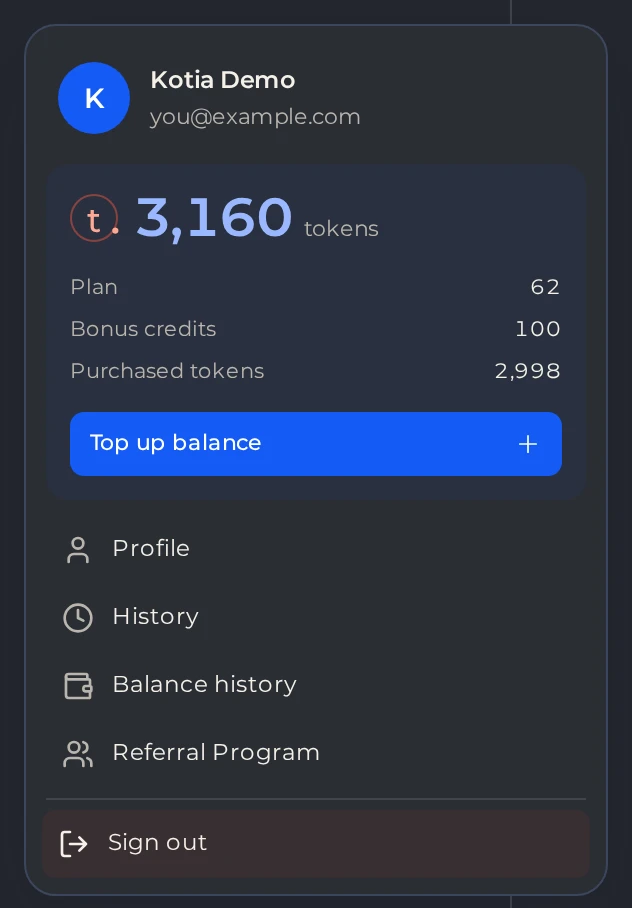
Log in to Kotia and open your profile via the user menu.
 1
- 1Your profile
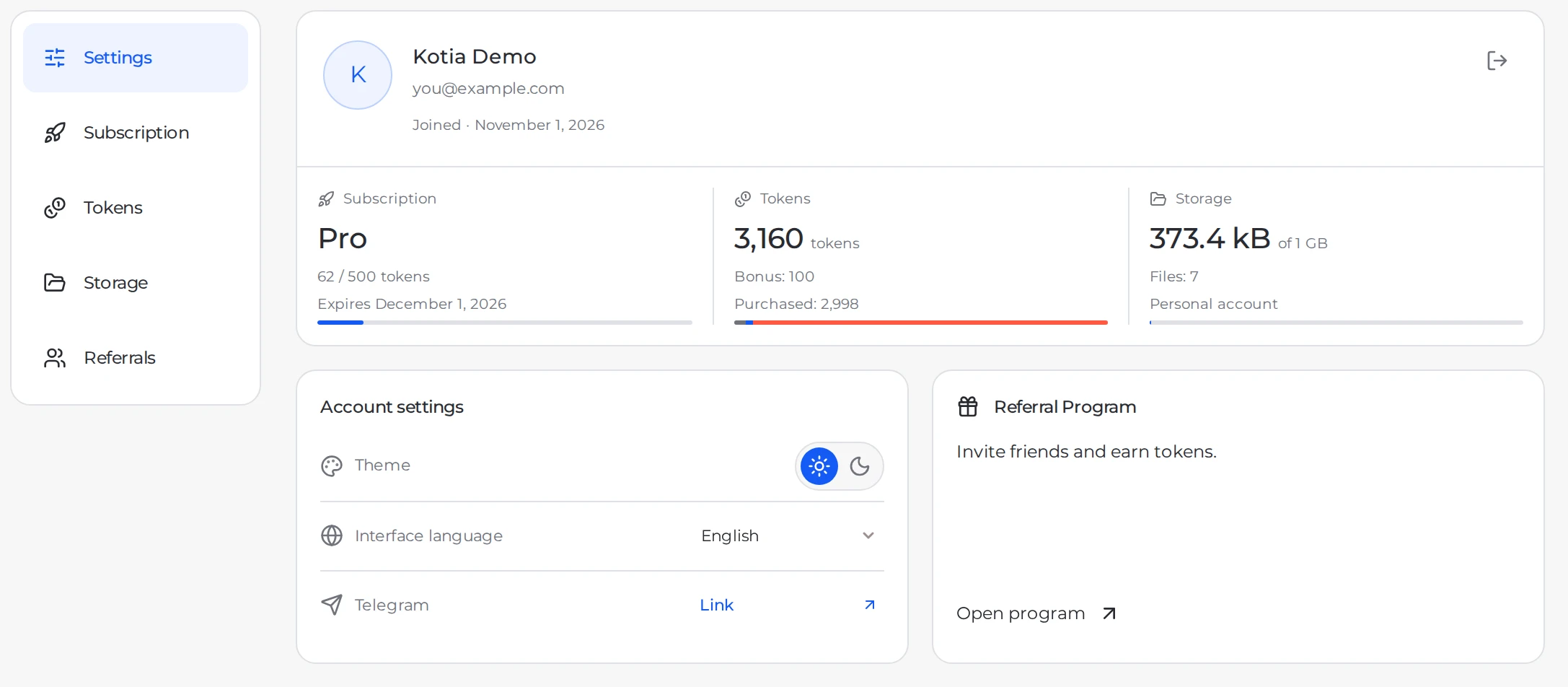
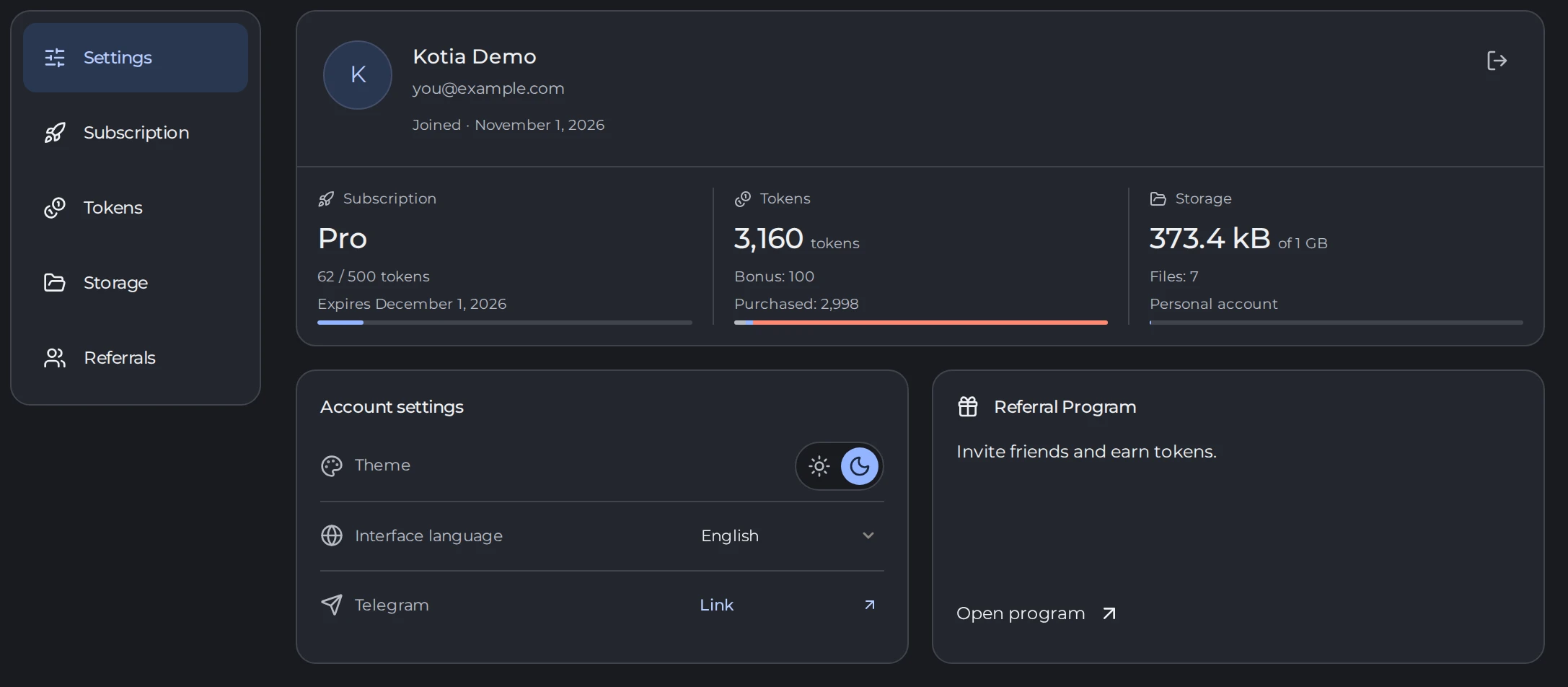
In the "Settings" section, check your email address. This way you can make sure you are using the right account.
 123
- 1The Settings section
- 2Your name and email address
- 3Subscription, Tokens and Storage
Depending on your task, choose "Subscription", "Tokens" or "Storage". On a phone, the list of sections opens first.
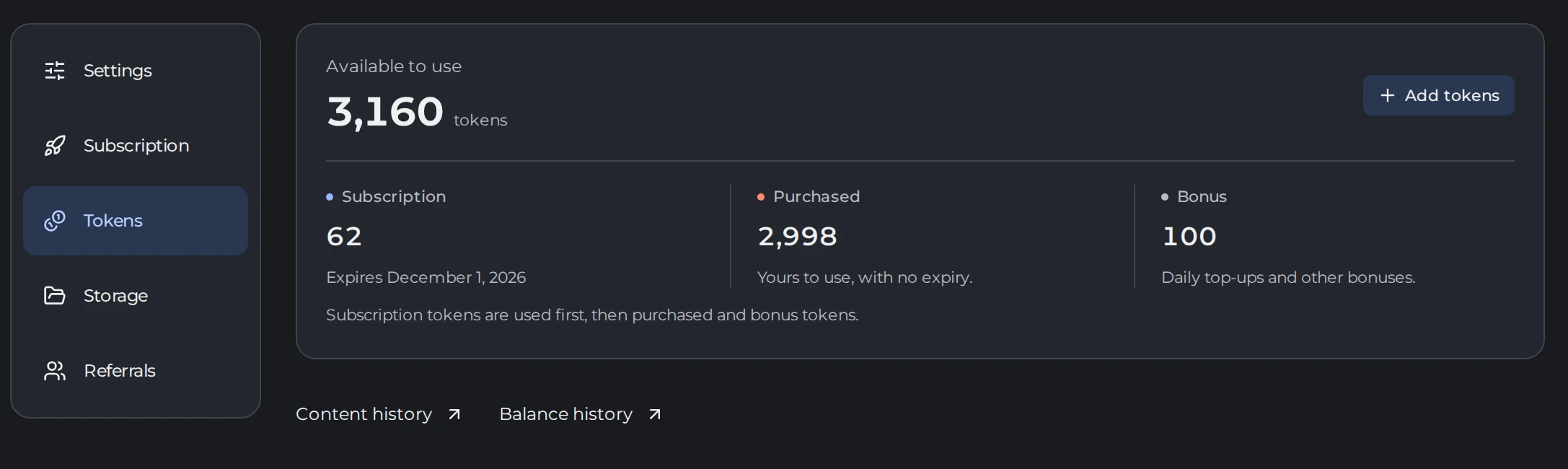
To find finished results or check balance operations, open "Tokens" and follow the "Content history" or "Balance history" links.
 123
- 1Tokens
- 2Content history
- 3Balance history
How to start without buying a subscription
A new account gets welcome tokens to get to know the service. You can spend them on tasks and models that are available without a subscription. When your balance runs out, you can top it up with a one-time package.
A subscription unlocks extra features, such as running workflows on a schedule. But it does not make generation unlimited: tasks still use tokens. So the choice depends on what you need to do. Extra work is paid for with a token package, and Pro features are unlocked with a subscription.
If you can't find the material you need or the payment status is unclear, contact support. To help us look into it, have ready the date of the action, the name of the material and the text of the message on screen.