
Kotia services for content: articles, research, news and edits
Choose a Kotia service for your result: an article, research report, outline, sources, news search, author style or edit. See an order example and steps.
On this page5
Kotia services help you handle individual tasks when preparing content: they write articles, research topics, collect sources, process news and edit materials. You provide the source data and requirements, and you get the result of the chosen task: a text, a report, a selection or a check.
You can call services through the assistant in a conversation. Some of them are also available in workflows, where the result of one step is passed to the next. Start with the result you need. For a finished article, you do not need to order sources or an outline separately.
Article, research, outline or sources
| What you need | Service and result |
|---|---|
| Write a full publication on a topic that meets your requirements | "Article": a finished text with a well-thought-out structure |
| Study a question, compare the facts and the basis for conclusions | "Research": a report with references |
| Get a plan for writing it yourself | "Article outline": the structure of the future text |
| Find materials for further work | "Source collection": a selection of sources |
Choose "Research" if it is important to understand the question, and "Article" if you need material for readers. A separate outline is useful if you need an assignment for a writer or a plan for your own work. Planning is already included in the "Article" service.
News, style and text refinement
- News search collects publications on a topic. You can use the resulting selection for further content preparation.
- News rewrite reworks a specific source material to your requirements.
- Author style helps you create a style based on a sample text and apply it when generating content.
- Material refinement makes the specified changes to an existing result.
- AI detector assesses signs that a text was machine-generated. The assessment does not prove authorship and does not replace fact-checking.
News search finds materials, and rewriting changes how the chosen text is presented. If you already have the source material, you may not need to search again.
Example: order an article for a pottery studio blog
Suppose you want to explain what a first pottery class is like. Provide the real details and specify who the publication is for:
Start the "Article" service. I need material for the blog of our pottery studio: "First Pottery Workshop: How the Class Works and What You Will Make". The reader has never worked with clay. Explain the stages of the class, the preparation, and how to get the finished piece. Use our details below; do not make up the duration, the cost or the firing times. At the end, add a short section with answers to beginners' questions. Details: [insert the studio details].
Before sending, replace the text in square brackets with your own details. If you need to refer to the studio's page, add its address and explain which information to take from it.
How to place an order in a conversation
Open the Kotia chat and name the service and result you need.
Provide the topic, source data and requirements. To work with specific materials, attach the text or links and explain what to take from them.
Answer the assistant's clarifying questions if the information is not sufficient.
Check the proposed brief: the subject of the work, language, requirements and cost. If you need to confirm the launch, do it after checking.
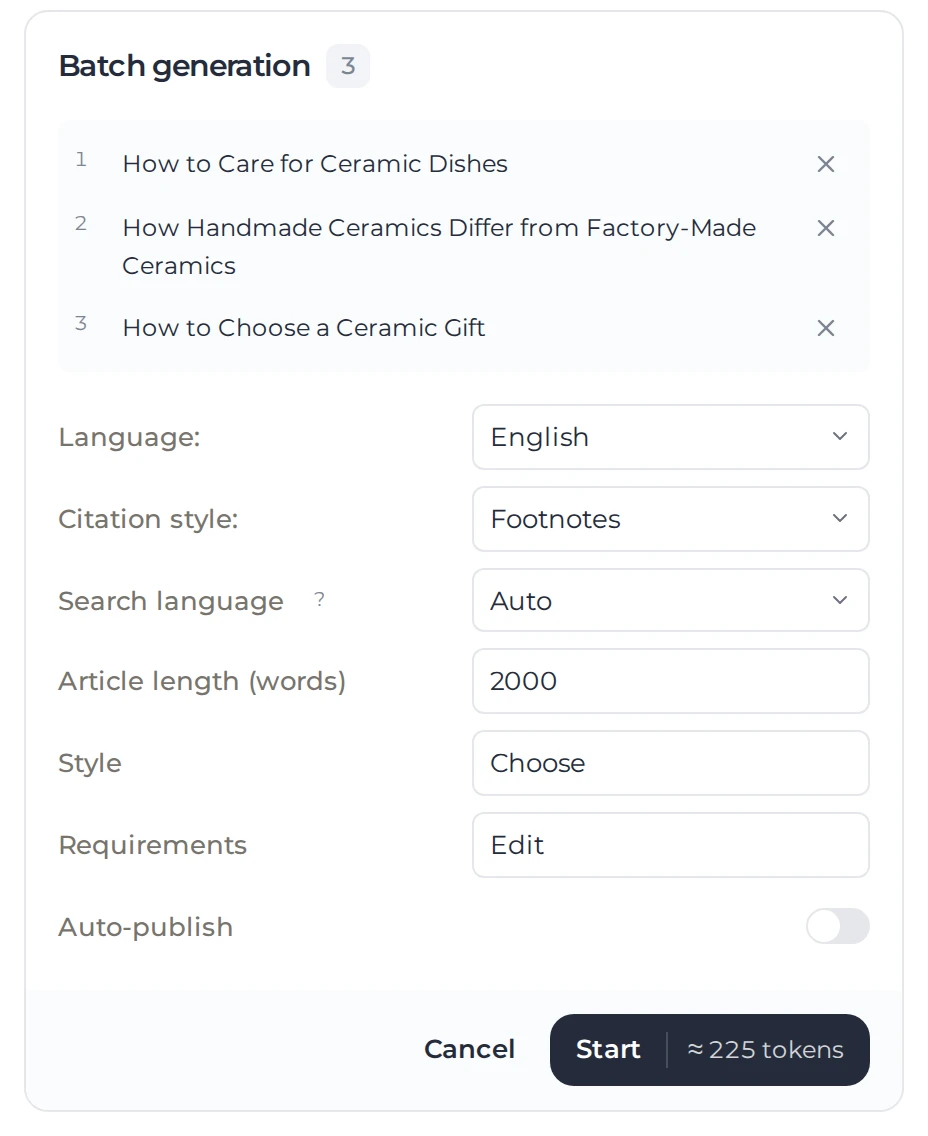
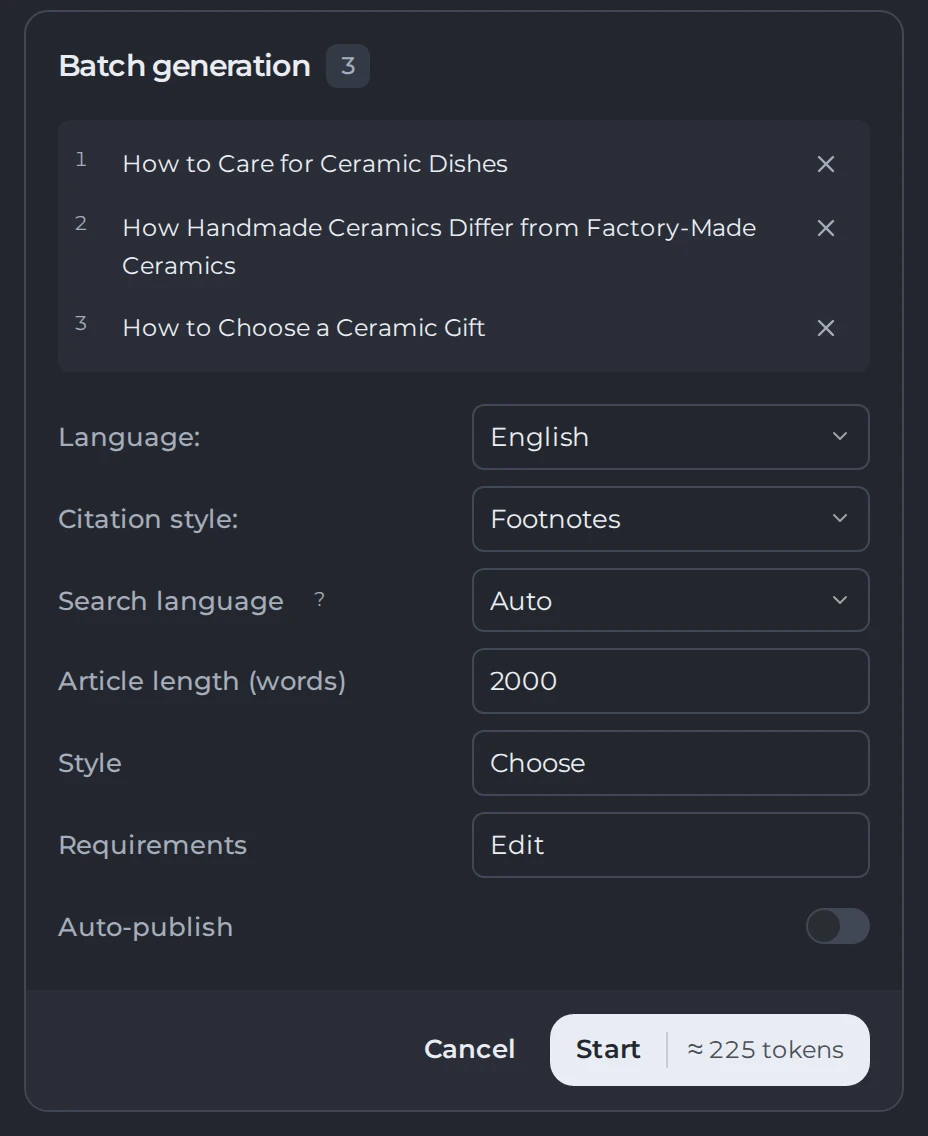 123
- 1One topic, one article
- 2Shared settings
- 3Estimate and launch
Wait for the work to finish and open the result. The type of result depends on the service: "Research" includes a report and sources, and "Source collection" produces a selection.
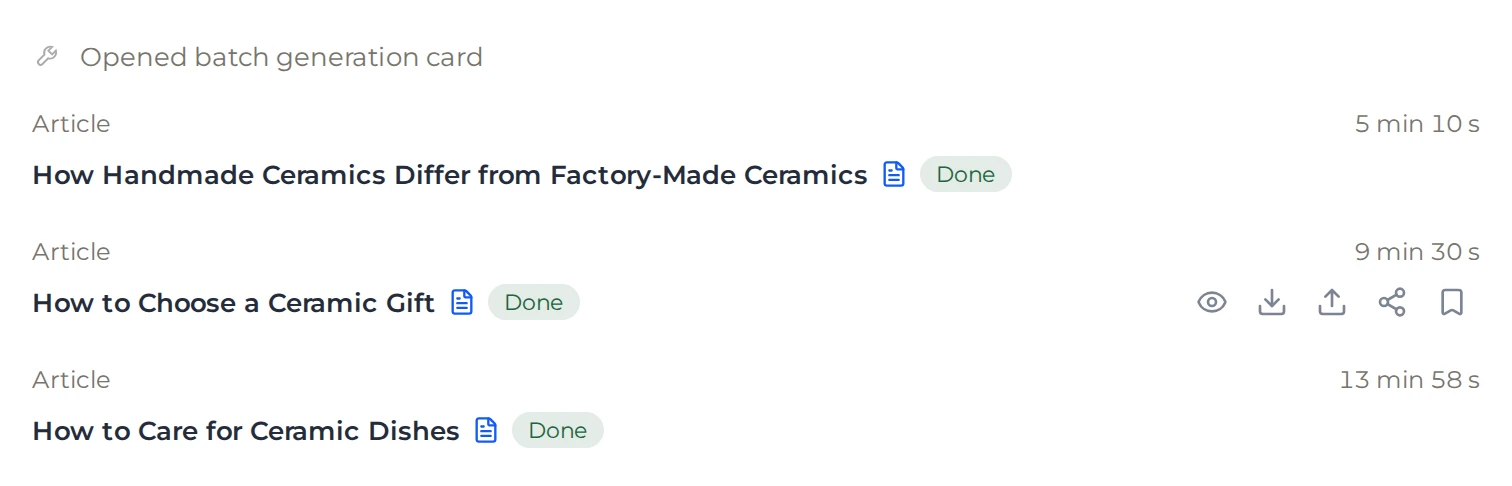
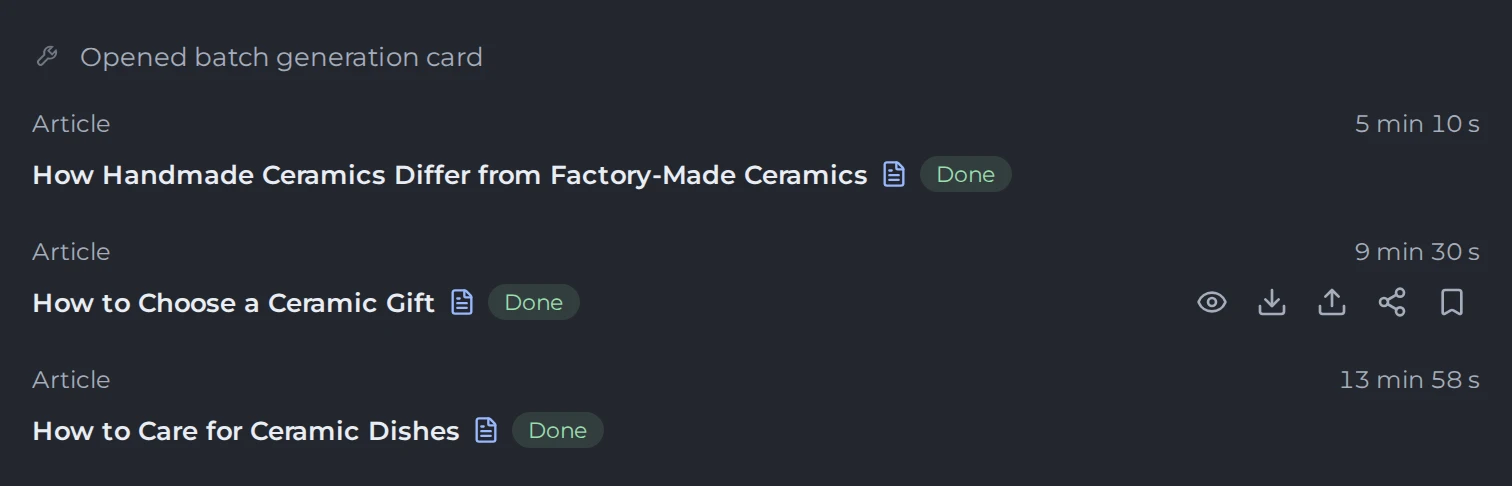 12
- 1Each article and its status
- 2Open, download, publish or share
Check important facts and whether the result matches the task. For changes, specify the particular sections and the result you need. If it suits the material you chose, use material refinement.
Ordering a service differs from an ordinary request to write a short answer directly in the chat. If you need a specific service, name it explicitly. For more about the assistant's actions, see the chat section.
How to process materials regularly
It is convenient to include recurring orders in a workflow. For example, you can prepare articles from new topics and save them to documents. Before batch work, check one result and the rules for spending funds: rerunning a paid service is charged again.
Practical guides:
- Article with sources: requirements for the factual base and the finished material.
- Batch article preparation: working on several topics at once.
- Market and competitor analysis: an example of ordering research.
- Edits based on specific instructions: how to explain what needs to be changed in an existing text.